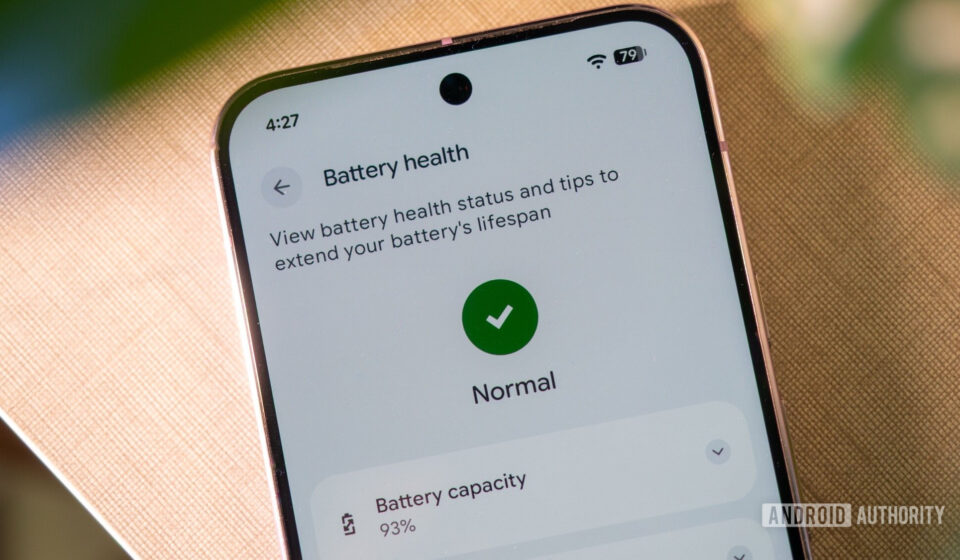
Google Implements Play Store Warnings for Battery-Draining Apps, Signaling Major Push for Android Efficiency

Google has officially begun displaying prominent textual warning boxes on the Play Store listings of applications identified as causing excessive background battery drain, fulfilling a commitment made to users and developers late last year. This significant policy enforcement underscores the tech giant’s intensified focus on improving the overall user experience and device longevity within the vast Android ecosystem, tackling one of the most persistent pain points for smartphone users globally. The initiative, formally announced via the Google Developers Blog in March 2026, is poised to reshape app development practices and empower consumers with critical information before downloading.
The Persistent Challenge of Smartphone Battery Life
Smartphone battery life has long been a critical concern for users. Despite advancements in battery technology and processor efficiency, the ever-increasing complexity of applications and continuous background processes often lead to devices struggling to last a full day on a single charge. This issue is particularly pronounced on Android, given its open nature and the sheer volume of applications available on the Play Store – numbering in the millions. Users frequently report significant battery depletion attributed to apps running unnoticed in the background, impacting device performance, user satisfaction, and even the perceived quality of Android devices themselves.
At the heart of this problem lies the concept of "partial wake locks." In essence, a partial wake lock is a mechanism that allows an app to keep the device’s CPU running even when the screen is off and the user is not actively interacting with the application. While these wake locks are sometimes necessary for legitimate background operations – such as syncing data, processing notifications, or performing crucial tasks like navigation updates – their misuse or inefficient implementation can lead to severe battery drain. An app that holds a partial wake lock for an extended period, or acquires it frequently without justification, prevents the device from entering its low-power "doze" state, effectively keeping the CPU awake and consuming power disproportionately. Google defines "Excessive Partial Wake Lock" as the threshold at which an app’s background activity crosses an unacceptable level, warranting intervention.
A Chronology of Google’s Fight for Efficiency
Google’s battle against rogue battery consumption is not a new endeavor. Over several iterations of Android, the company has progressively introduced stricter controls and optimization features aimed at curtailing background processes and preserving battery life.
- Android 6.0 Marshmallow (2015): Introduced "Doze" mode, which puts the device into a deeper sleep state when it’s stationary and unplugged for a period, deferring background CPU and network activity. "App Standby" was also added to restrict background network activity for unused apps.
- Android 7.0 Nougat (2016): Enhanced Doze mode to trigger more quickly, even when the device is in motion, such as in a pocket or bag.
- Android 8.0 Oreo (2017): Implemented significant background execution limits, restricting what apps could do when not in the foreground. This included limitations on implicit broadcasts and background services.
- Android 9 Pie (2018): Introduced "Adaptive Battery," which uses machine learning to prioritize battery for apps the user uses most, and "App Actions," which predicts what the user might do next to optimize resource allocation.
- Android 10 and beyond: Continued refinements to background activity management, foreground service types, and power management features, giving users more granular control over app permissions and resource usage.
Despite these system-level improvements, the onus has remained largely on developers to optimize their applications. Google has provided tools like Android Vitals, a dashboard in the Google Play Console that gives developers insights into their app’s performance metrics, including battery usage, ANR (Application Not Responding) rates, and crash rates. However, the sheer scale of the Play Store and varying developer commitment meant that some apps continued to be significant power hogs.
This culminated in Google’s direct warnings to developers and the broader community in late 2025. The company explicitly stated its intention to crack down on apps exhibiting "unhealthy thirst" for smartphone battery life. This initial warning served as a crucial precursor, allowing developers a grace period to review and optimize their applications before direct enforcement measures were rolled out. The formal announcement on the Developers Blog in March 2026 detailed the specific enforcement mechanisms, including the Play Store warning labels, marking the official transition from advisory to actionable policy.
The New Enforcement: Play Store Warning Labels
The most visible aspect of Google’s new policy is the introduction of textual warning boxes directly on app listings within the Play Store. As depicted in images shared by Google, these warnings prominently state: "This app may use more battery than expected due to high background activity." This seemingly simple statement carries significant weight, acting as a direct alert to potential users.
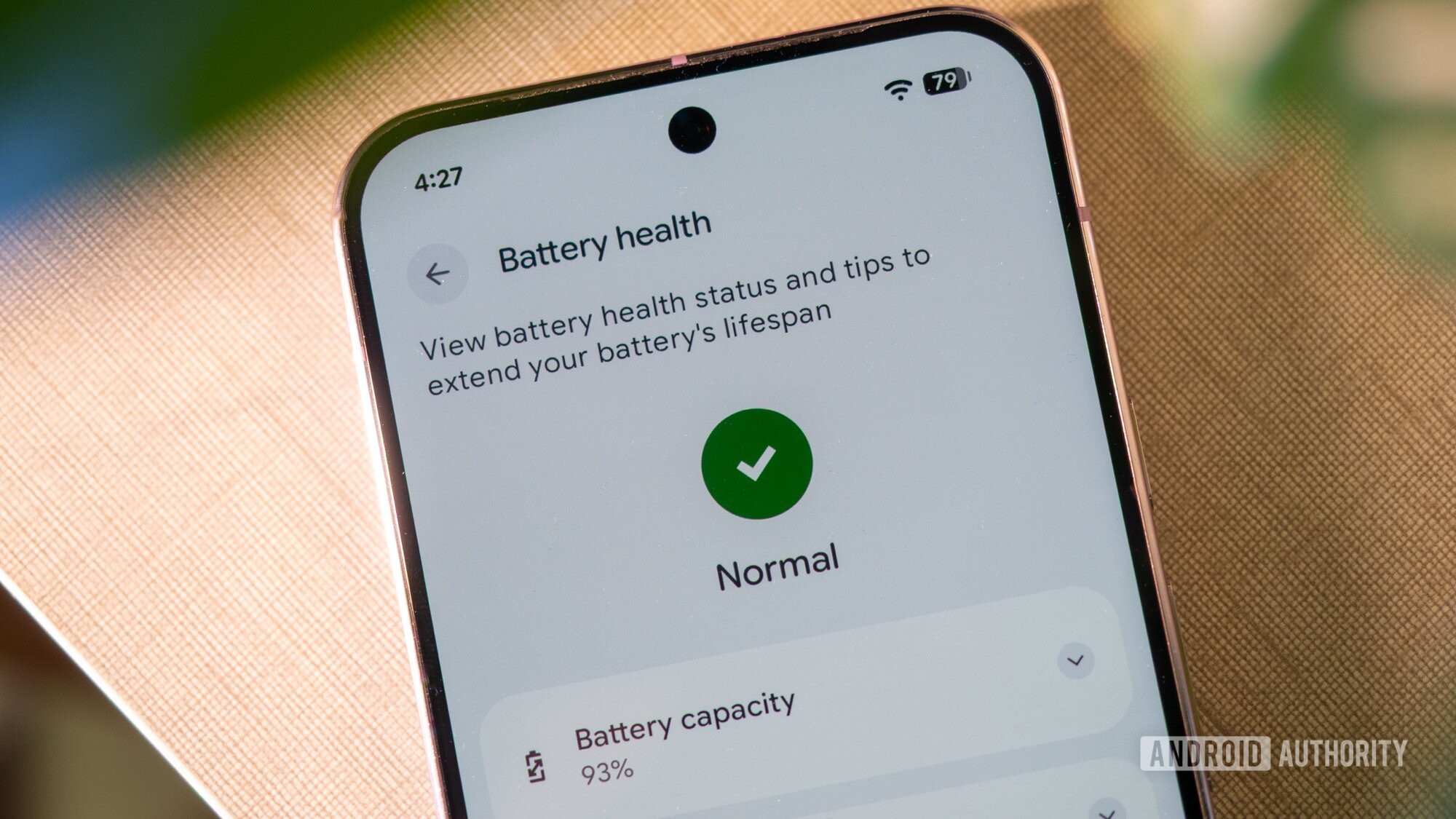
This warning is triggered when an app crosses Android’s aforementioned "Excessive Partial Wake Lock" threshold. While the precise technical details of this threshold are proprietary, it signifies that Google’s automated analysis has identified consistent and unjustifiable patterns of high background CPU usage. The vagueness of the statement ("may use more battery than expected") is deliberate; it’s a general indicator rather than a precise percentage, but it effectively communicates the core issue without overwhelming the user with technical jargon.
These warnings are not merely informational; they are designed to be a potent incentive for developers. Google had previously indicated that apps with poor "technical quality" – including those with excessive battery drain – could face reduced visibility in Play Store recommendation lists, search rankings, and curated collections. The addition of a direct warning label further amplifies this, presenting a clear disincentive for users to download and for developers to ignore optimization.
Implications for Developers: Pressure to Prioritize Efficiency
For the millions of developers building for Android, this new policy introduces a heightened level of accountability regarding their app’s power consumption. The implications are multi-faceted:
- Increased Scrutiny and Optimization: Developers are now under explicit pressure to review their app’s background processes, wake lock usage, and overall power efficiency. Tools like Android Vitals will become even more critical for monitoring and diagnosing battery-related issues. Developers will need to adopt best practices, such as using WorkManager for deferrable background tasks, ensuring services are properly managed, and avoiding unnecessary or prolonged wake locks.
- Impact on App Discovery and Downloads: A warning label on an app’s Play Store page is likely to deter potential users. In an increasingly competitive app market, negative signals like battery drain warnings can significantly impact download rates and user acquisition. A consumer might choose an alternative app without such a warning, even if the feature set is similar. This provides a strong commercial incentive for developers to comply.
- Potential for Redesign and Re-architecture: For some legacy applications or those with deeply embedded inefficient practices, addressing excessive battery drain might require substantial re-architecture of their background task management. This could be a resource-intensive undertaking, particularly for smaller development teams.
- Fairness and Transparency Concerns: While the intent is positive, some developers might express concerns about the accuracy of Google’s automated detection or the specific thresholds applied. Clear communication from Google about these metrics and providing actionable insights will be crucial to fostering trust and compliance within the developer community. Google’s statement that it has already seen "progress from some offenders" suggests a dialogue and iterative refinement process is underway.
Benefits for Consumers: A More Efficient and Trustworthy Ecosystem
Ultimately, the primary beneficiaries of this new policy are Android users. The implementation of Play Store battery drain warnings offers several distinct advantages:
- Informed Decision-Making: Users are now empowered with crucial information before downloading an app. They can make more informed choices, opting for apps known to be power-efficient rather than discovering battery issues only after installation and experiencing frustrating performance.
- Improved Device Battery Life: In the long term, as developers optimize their applications to avoid these warnings, the overall power efficiency of the Android ecosystem is expected to improve. This translates directly into longer battery life for individual devices, reducing the need for frequent recharges and enhancing daily usability.
- Enhanced User Experience: Beyond just battery life, well-optimized apps tend to perform better, run smoother, and contribute to a more responsive overall smartphone experience. Reduced background activity also frees up CPU cycles and memory for foreground tasks, leading to better multitasking and app responsiveness.
- Increased Trust in the Play Store: By actively policing app quality and transparency, Google reinforces user trust in the Play Store as a reliable source for high-quality, well-behaved applications. This proactive approach distinguishes it from platforms that might allow unchecked resource consumption.
- Reduced "Phantom Drain" Frustration: The warnings directly address the common frustration of "phantom drain," where battery life inexplicably plummets, often due to an unknown culprit running amok in the background.
Broader Implications for the Android Ecosystem
This policy represents more than just a minor update; it signifies a strategic shift in Google’s approach to platform governance and quality control.
- Elevated Quality Standards: By making battery efficiency a visible metric and a prerequisite for optimal Play Store visibility, Google is effectively raising the baseline quality standard for all Android applications. This aligns Android more closely with the tightly controlled app environment of rival platforms like iOS, which have historically been perceived as having superior battery optimization.
- Competitive Advantage for Efficient Apps: Developers who prioritize efficiency and manage to avoid these warnings will gain a competitive advantage. Their apps will appear more trustworthy and performant, potentially leading to higher download numbers and better user retention compared to less optimized competitors.
- Sustainable Growth of the Platform: As smartphones become more integral to daily life, ensuring their reliability and longevity through good battery management is crucial for the sustainable growth and appeal of the Android platform. This move contributes to making Android devices more attractive and less prone to frustrating user experiences that could drive users to competing platforms.
- Educational Impact: The policy also serves an educational purpose, both for developers and users. It educates developers on the importance of adhering to power management best practices and informs users about what constitutes a "well-behaved" application.
Challenges and Future Outlook
While the new policy is a positive step, potential challenges remain. Google will need to ensure that its detection algorithms are accurate and minimize false positives, which could unfairly penalize well-designed apps. There’s also the ongoing cat-and-mouse game where some developers might attempt to circumvent detection mechanisms. Google’s continuous refinement of its Android Vitals and Play Store policies will be essential to stay ahead.
Looking forward, this initiative is likely just one component of a broader strategy. Google may introduce more granular warnings, provide specific remediation advice directly on the Play Store, or even implement more aggressive automatic restrictions on severely misbehaving apps in future Android versions. The ultimate goal is a more robust, efficient, and user-friendly Android experience that can stand toe-to-toe with any mobile operating system in terms of performance and battery longevity.
In conclusion, Google’s implementation of Play Store warnings for battery-draining apps is a decisive move that demonstrates its firm commitment to enhancing the Android user experience. By making app efficiency a visible and enforceable metric, Google is not only empowering consumers with crucial information but also compelling developers to prioritize responsible resource management, thereby fostering a healthier and more sustainable app ecosystem for millions of users worldwide. The impact of this policy is expected to resonate across the entire Android landscape, driving a collective push towards more optimized and battery-friendly applications.