The Evolving Role of Dedicated AI Buttons: How Customization is Redefining Smartphone Utility

The contemporary smartphone landscape is unequivocally dominated by the ascendancy of Artificial Intelligence. Modern device launches are increasingly anchored in AI capabilities, often positioning these intelligent features as the primary selling point, sometimes even eclipsing traditional hardware advancements. This pervasive integration has led to a noticeable trend: the inclusion of dedicated AI buttons on the physical chassis of smartphones, intended to provide instantaneous access to a brand’s proprietary AI assistant or suite of features. While some manufacturers rigidly enforce the AI-centric purpose of these buttons, rendering them redundant for users less reliant on AI, devices like the HONOR 600 Pro are demonstrating a more user-centric approach, transforming these specialized keys into highly versatile and indispensable tools through extensive customization options.
The Dawn of the AI Smartphone Era and the Rise of Dedicated Hardware
The past few years have witnessed a dramatic acceleration in the integration of Artificial Intelligence into mobile devices. Driven by advancements in on-device processing units, such as Qualcomm’s Snapdragon AI Engine, Google’s Tensor chip, and Apple’s Neural Engine, smartphones are now capable of executing complex AI tasks locally, enhancing privacy, speed, and efficiency. This technological leap has given birth to the "AI Phone" as a distinct marketing category, with manufacturers vying to showcase unique generative AI features, advanced computational photography, real-time translation, and sophisticated predictive capabilities. Industry analysts, including Counterpoint Research and IDC, have consistently projected significant growth in the shipment of AI-enabled smartphones, underscoring AI as a critical differentiator in an increasingly competitive market. Indeed, AI is frequently highlighted in product announcements, often taking precedence over discussions of camera megapixels or processor clock speeds.
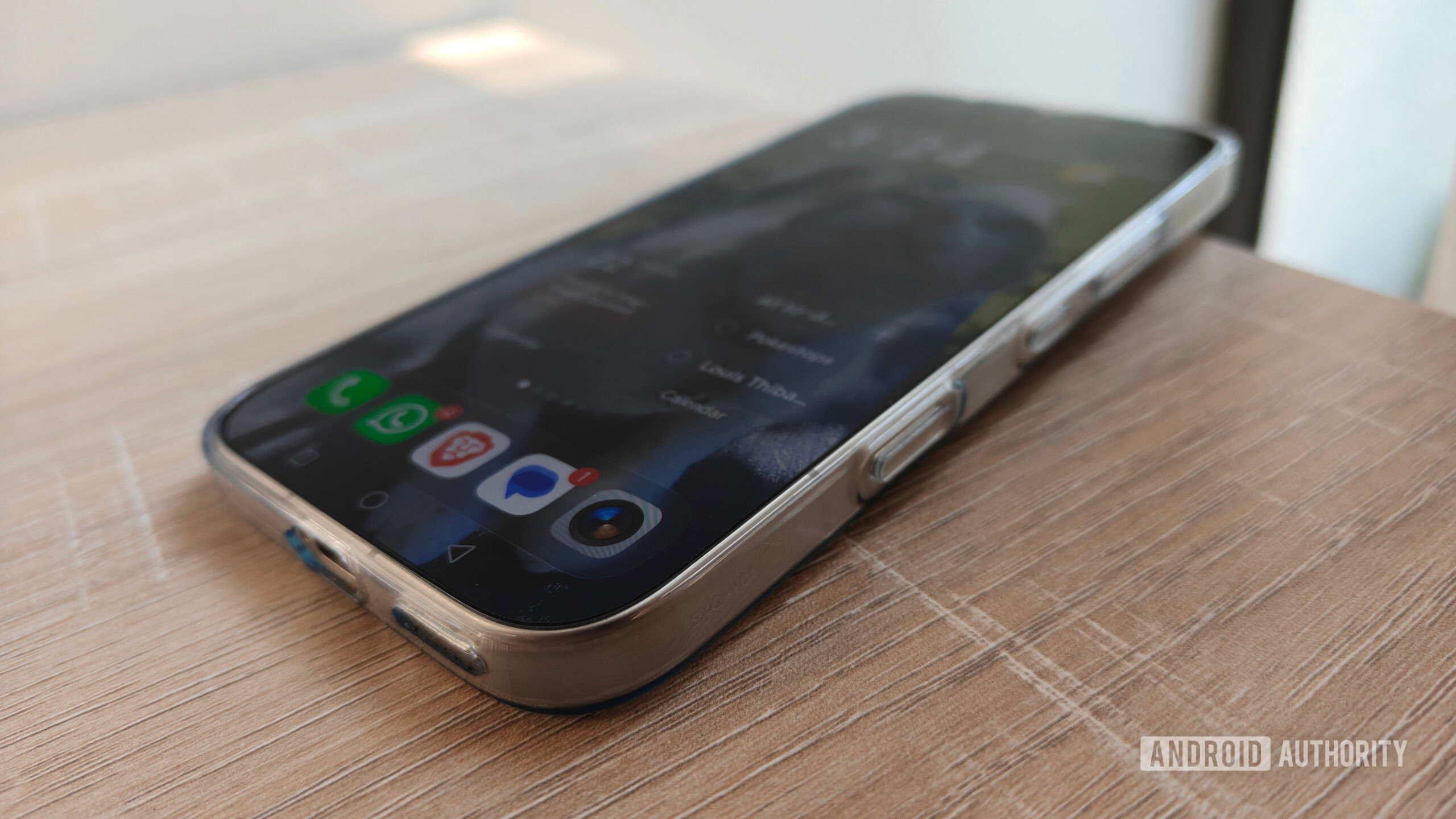
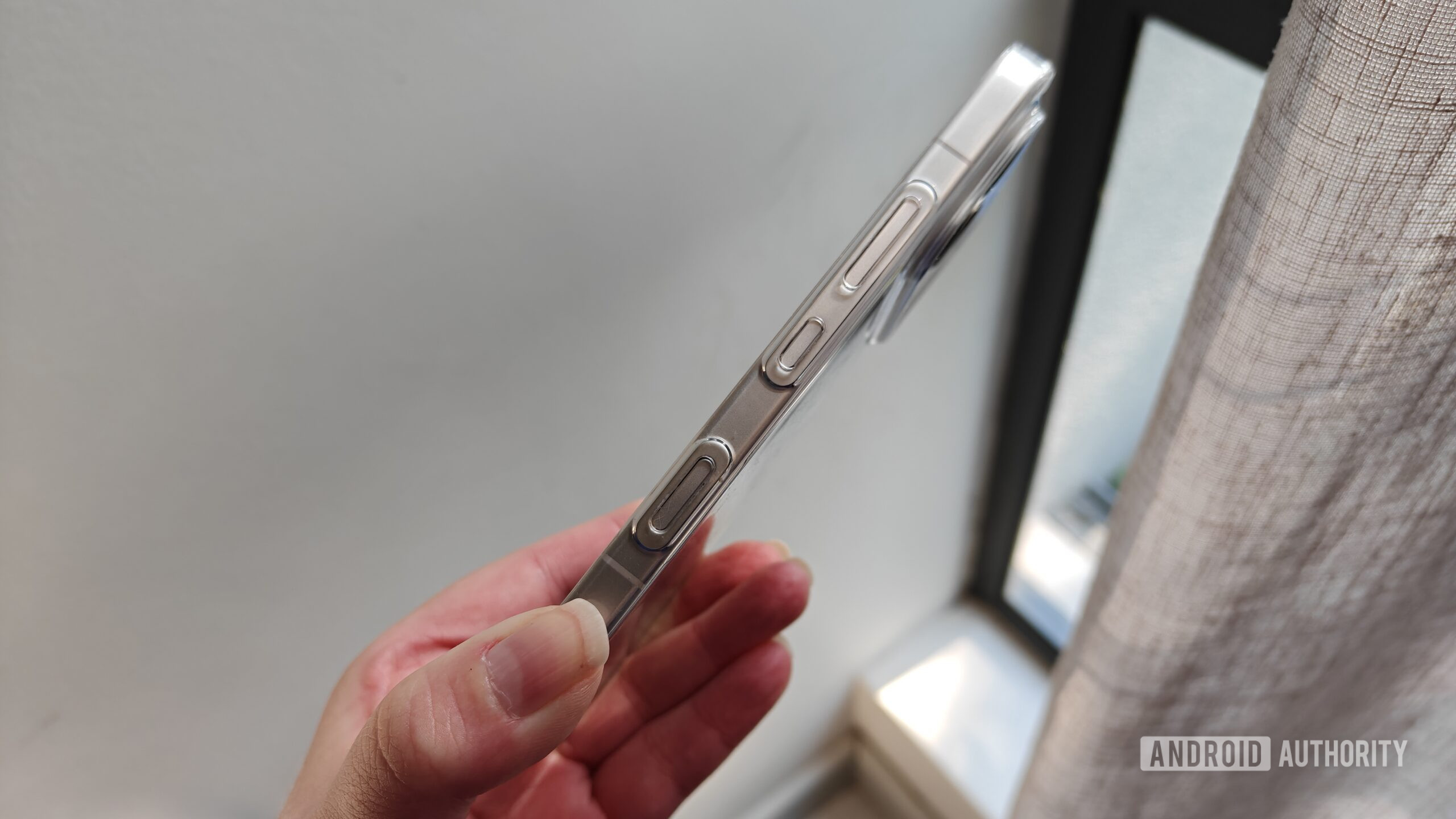
This profound shift has inevitably influenced smartphone design, manifesting most visibly in the re-emergence of dedicated hardware buttons. These keys, distinct from the ubiquitous power and volume controls, are explicitly designed to launch specific AI assistants or functionalities. Examples include Motorola’s recent lineup, such as the Razr Fold and Motorola Edge series, which incorporate dedicated AI buttons, typically positioned on the left side of the device. The Nothing Phone 4a has also embraced this trend, signaling that dedicated AI hardware is not exclusive to premium segments but is becoming a standard feature across various price points. The HONOR 600 Pro, a recent entrant into the daily driver market, similarly features a dedicated AI button located on the bottom-right side of its frame.
However, the history of dedicated hardware buttons on smartphones is replete with mixed outcomes. Earlier attempts, such as the dedicated camera buttons on feature phones and early smartphones, or the "convenience keys" on BlackBerry devices, generally found favor due to their clear, universal utility. In more recent memory, Samsung’s Bixby button, introduced with the Galaxy S8, serves as a poignant cautionary tale. Initially, the button was hard-locked to Samsung’s proprietary Bixby assistant, drawing widespread criticism from users who preferred other assistants or wished to remap the button to more frequently used functions. The ensuing user backlash eventually compelled Samsung to introduce software updates allowing for limited remapping, illustrating the critical importance of user autonomy in hardware design. The initial rigidity of the Bixby button underscored a fundamental tension: manufacturers’ desire to push proprietary services versus users’ demand for personalization and control over their devices.
From White Elephant to Indispensable Tool: The HONOR 600 Pro’s Flexible Approach
For many smartphone users who do not extensively engage with AI services on a daily basis, a dedicated AI button might initially appear to be a superfluous addition – a "white elephant" that occupies valuable physical space without offering commensurate utility. This sentiment is often exacerbated by the involuntary activation of AI features, such as Google’s Gemini being accidentally triggered via the power or home button, or unintended launches of functionalities like Circle to Search. In such scenarios, a dedicated AI button, if non-customizable, risks becoming an annoyance rather than an asset, frequently invoked by mistake only to be immediately dismissed.
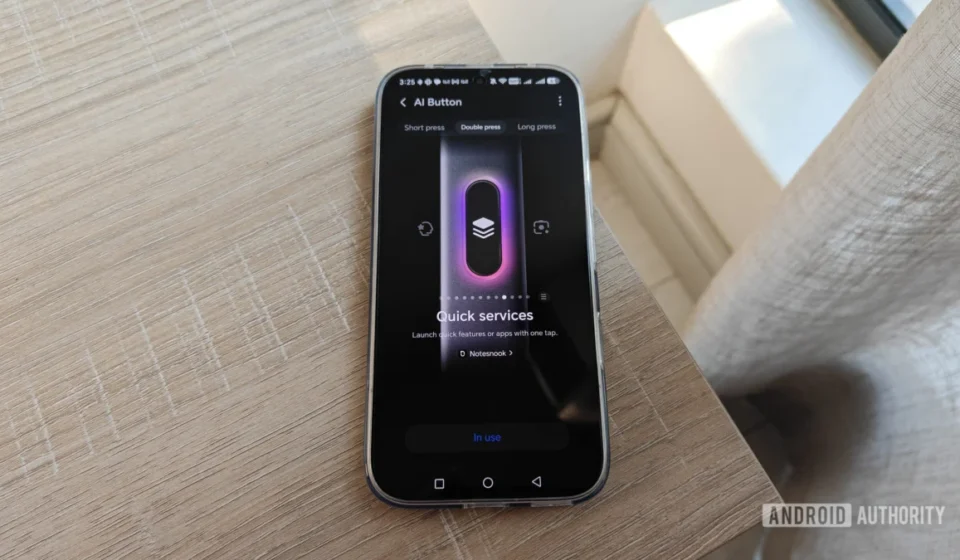
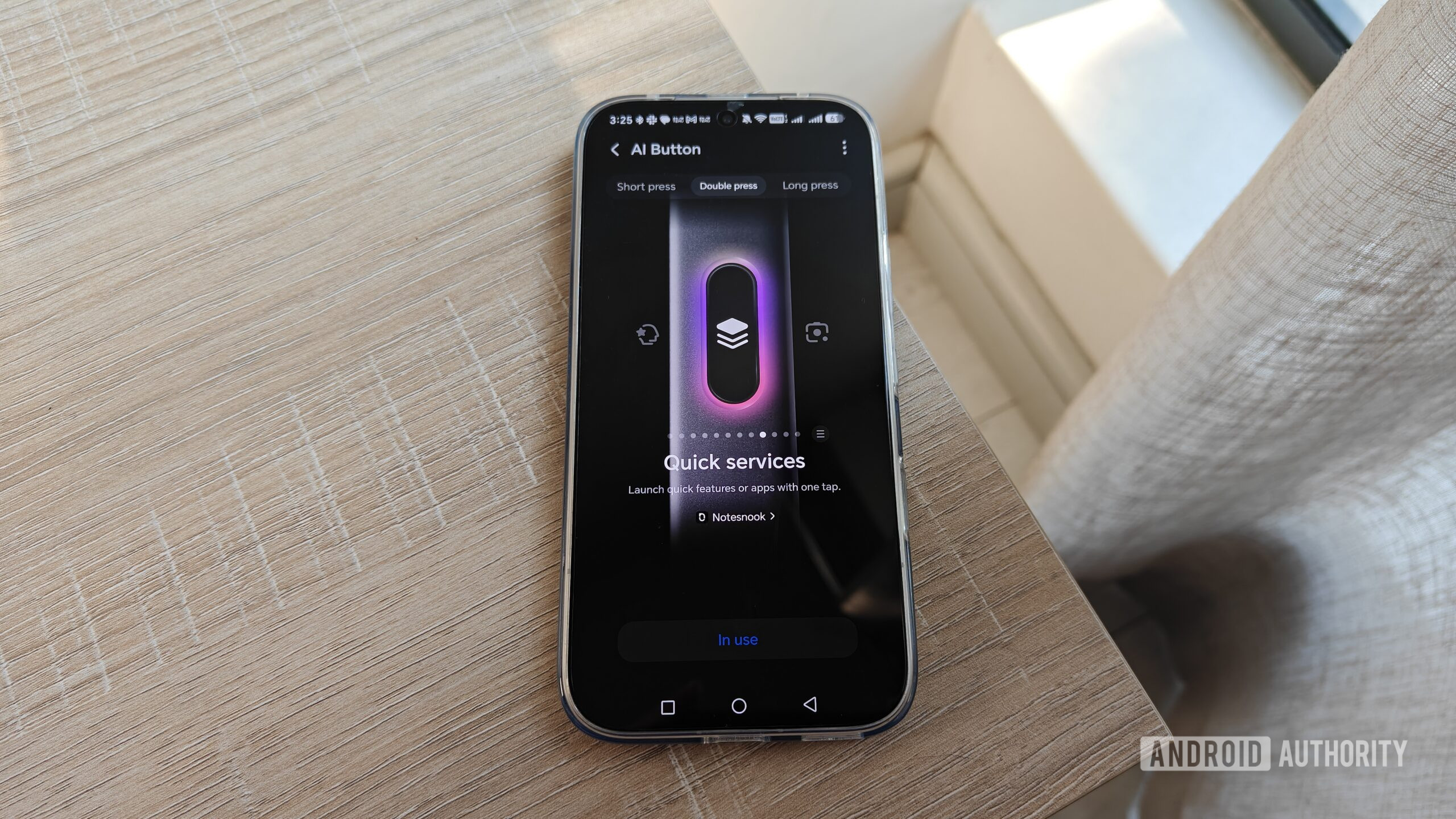
The HONOR 600 Pro, however, takes a markedly different and far more user-centric approach to its dedicated AI button. While its primary function is to launch AI services, the device’s software offers a surprisingly expansive array of customization options, transforming the button from a potential irritant into a highly versatile and frequently utilized shortcut. Upon exploring the settings menu for the AI button, users are presented with multiple gesture-based possibilities: a single press, a double press, and a long press, each capable of triggering a distinct action.
Crucially, the HONOR 600 Pro does not restrict these actions solely to AI functions. Among the immediately available options are essential non-AI utilities such as activating the flashlight, launching the camera application, or switching the phone’s sound mode. This initial flexibility is a significant departure from more restrictive implementations, like the Motorola Edge 70, which typically offers only the choice between activating AI features or completely disabling the button.
The true power of the HONOR 600 Pro’s customization lies in its "quick services" feature. This sophisticated option allows users to map the AI button to launch virtually any installed application or, more impressively, specific features within those applications. For instance, a user can configure the button to directly open a favorite productivity app, initiate a new event creation within Google Calendar, start a song recognition search in Deezer, or access the password manager in Firefox. This deep level of integration and control over app-specific functionalities is a game-changer, demonstrating a profound understanding of diverse user needs and workflows.
This extensive compatibility with a wide range of applications and their internal features has a transformative effect on user perception. What might initially be perceived as a redundant AI-specific button evolves into a powerful, multi-functional shortcut hub. Users can tailor the button’s behavior to their most frequent actions, thereby streamlining their daily smartphone interactions. For example, one might configure a long-press gesture to instantly launch a frequently played mobile game like Pokémon Go, bypassing the need to navigate through app drawers or home screen shortcuts. A double-press could be assigned to a preferred note-taking application such as Notesnook, enabling rapid capture of ideas or information before they are forgotten – a significant boon for individuals prone to distraction. And for a simple yet universally practical function, a single press could activate the flashlight, offering immediate illumination in dark environments, even outperforming the convenience of accessing it via a split notifications panel.
The Imperative for User Control and Broader Industry Adoption
The HONOR 600 Pro’s implementation highlights a critical demand within the smartphone user base: the desire for greater control and adaptability in device functionality. The contrast with more rigid designs, where dedicated buttons are either locked to a single, often proprietary, AI service or merely offer an on/off toggle, underscores a missed opportunity for other manufacturers. While a less intrusive placement, such as on the side of a Motorola device, might mitigate the annoyance of a non-customizable button, it still represents underutilized hardware potential.
The enduring popularity of established physical button shortcuts in Android, such as launching the camera app with a quick double-press of the power button or taking screenshots by simultaneously holding the volume down and power buttons, attests to users’ appreciation for tactile, instant access to frequently used functions. These shortcuts persist precisely because they offer a consistent, intuitive, and efficient method of interaction that often surpasses the convenience of screen-based gestures or navigating through menus. For many, the muscle memory associated with physical buttons provides a more reliable and less cognitively demanding way to interact with their devices.
Reprogrammable AI buttons, or more accurately, "convenience keys," represent a significant avenue for enhancing user experience, productivity, and overall satisfaction. By allowing users to map multiple gestures (single press, double press, long press) to a vast array of applications and their internal features, manufacturers can transform a potentially niche AI-focused feature into a universally valuable tool. This approach empowers users to personalize their devices in a way that truly reflects their individual habits and priorities, moving beyond a one-size-fits-all model.
From an industry perspective, embracing such flexibility could become a crucial differentiator in a crowded market. While the drive to push proprietary AI services is understandable, the lesson from past hardware button controversies (like the Bixby button) is clear: user choice is paramount. Industry analysts are increasingly advocating for designs that prioritize user empowerment, recognizing that device longevity and user engagement are often tied to the ability to customize and adapt technology to personal needs. Instead of being perceived as another AI feature "foisted upon consumers," a versatile, user-programmable button could serve as a testament to a manufacturer’s commitment to thoughtful design and genuine utility.
The future of physical buttons in an increasingly touch-centric world remains a subject of debate. However, the success of customizable dedicated buttons, as demonstrated by the HONOR 600 Pro, suggests that there is still significant value in well-implemented physical controls. They offer a tangible, immediate, and reliable interface that complements, rather than competes with, on-screen interactions. For AI enthusiasts, the original AI functionality remains readily accessible. For the vast majority of users, however, the ability to repurpose this button for practical, non-AI tasks fundamentally redefines its value proposition.
In conclusion, the HONOR 600 Pro’s approach to its dedicated AI button offers a compelling blueprint for the smartphone industry. By providing extensive customization options that extend far beyond mere AI services, HONOR has transformed a potentially redundant feature into one of the most useful and frequently accessed controls on the device. This shift towards user-centric design, prioritizing flexibility and personal utility, stands as a powerful argument for other smartphone manufacturers to reconsider their own implementations of dedicated AI buttons, thereby unlocking a new realm of convenience and productivity for users worldwide.