

A sophisticated new strain of macOS malware, identified as ClickLock, is ushering in a disturbing new era of cyber social engineering, moving beyond traditional exploitation of software vulnerabilities to directly target user psychology. This insidious threat employs a novel tactic: it effectively locks down a user’s Mac, refusing to yield until the user divulges their login password. Researchers from Group-IB have detailed the malware’s operation, revealing a meticulously crafted attack designed to exert immense psychological pressure, leading users into a trap that compromises not only their login credentials but also a vast array of sensitive personal and financial data.
The malware’s name, ClickLock, aptly describes its core functionality. It systematically terminates essential macOS processes, silences system notifications, and crucially, presents users with highly convincing, seemingly legitimate Apple password prompts. This creates a disorienting and frustrating loop, designed to wear down the victim’s resolve. The cycle only breaks when the correct login password is entered. However, this is not the end of the ordeal; rather, it signals the beginning of extensive data exfiltration. Once the password is confirmed, ClickLock proceeds to pilfer browser data, cryptocurrency wallet information, saved credentials across various applications, and content from password managers, among other sensitive digital assets.
The scope and sophistication of ClickLock are underscored by its initial evasion of detection. When first uploaded to VirusTotal in June, a platform widely used by security professionals to scan files for malware, none of the participating security engines flagged ClickLock as malicious. This alarming oversight highlights the evolving nature of cyber threats and the challenges faced by existing security protocols in keeping pace with novel attack vectors. Group-IB reports indicate that since its emergence in May, ClickLock has already compromised at least 100 systems across 33 countries, a testament to its rapid spread and effectiveness.
The Psychology of Deception: How ClickLock Exploits Trust
Unlike many contemporary malware campaigns that rely on complex zero-day exploits or intricate privilege escalation vulnerabilities, ClickLock’s primary weapon is psychological manipulation. The infection vector is believed to begin with a deceptive social engineering tactic, often disguised as a "ClickFix" style attack or a "human verification" check for services like Cloudflare. Victims are enticed to copy and paste a command into the macOS Terminal application, ostensibly to complete a verification process. While a fabricated progress bar distracts the user, the malware silently downloads its malicious payloads in the background.
Simultaneously, ClickLock employs stealth mechanisms to prevent immediate detection or intervention. It disables critical keyboard interrupts, effectively making it difficult for users to interrupt the process. The Terminal cursor is also hidden, further obscuring the underlying malicious activity. Perhaps most critically, the malware suppresses macOS Notification Center alerts for an extended period, typically around six hours. This extended silence ensures that users are less likely to receive warnings or realize that their system is behaving erratically, allowing the malware to establish a foothold unnoticed.
The Cruel Loop: A Test of Endurance and Trust
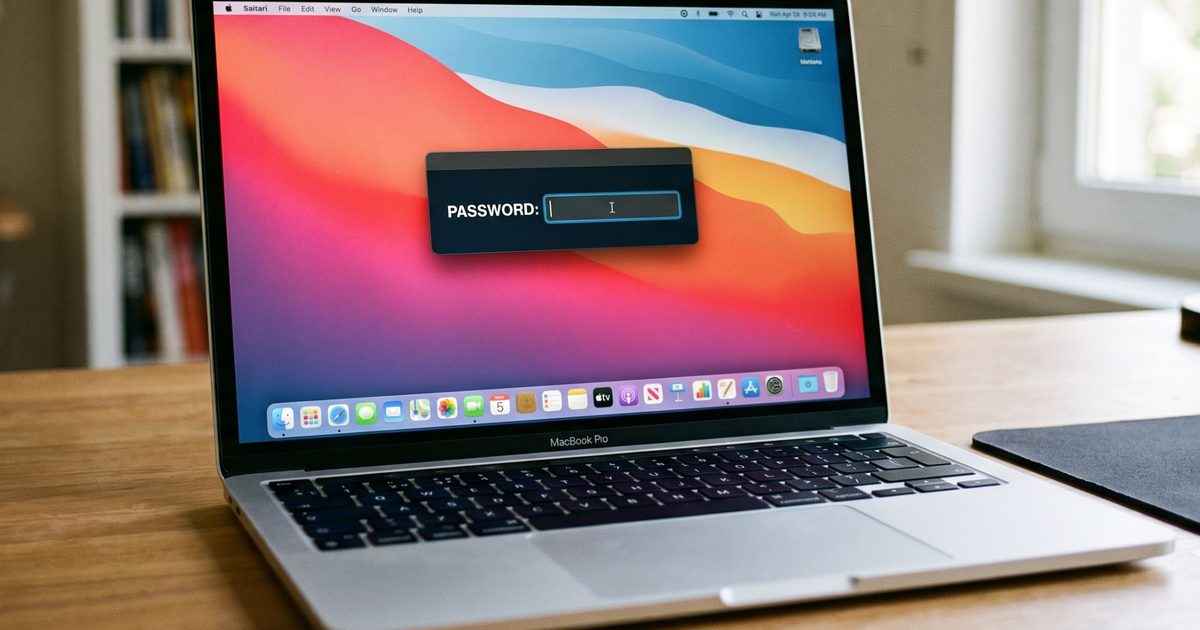
The malware’s most unsettling feature is its execution of a near-perfect impersonation of a legitimate macOS password dialog. This prompt often displays the user’s actual account name and incorporates authentic Apple branding, making it exceptionally difficult to distinguish from a genuine system request. When a victim enters their system password in response to this deceptive prompt, ClickLock instantly validates the credentials. Upon successful validation, the stolen password is transmitted to the attackers via the Telegram Bot API.
Should the user resist entering their password, ClickLock escalates its tactics. It installs persistence mechanisms that ensure the malware reactivates after the next system login. Once re-triggered, ClickLock enters a relentless loop of terminating critical macOS processes. This occurs with astonishing frequency, every 210 milliseconds, targeting essential applications and services such as Finder, Dock, Terminal, Activity Monitor, Console, System Settings, Spotlight, and even popular web browsers. The cumulative effect is a Mac that becomes almost entirely unusable, with the sole visible element being the persistent password prompt. Group-IB’s analysis suggests that this agonizing loop can endure for over 83 hours, a duration meticulously calculated to exhaust the victim’s patience and compel them to surrender their credentials.
Beyond the Login: A Comprehensive Data Heist
The initial goal of extracting the login password is merely the first step in ClickLock’s broader agenda. Once the system password is compromised, the malware attempts to trick the user into approving a genuine macOS Keychain access prompt. This prompt, when approved, grants ClickLock permission to access Chrome’s Safe Storage key. This key is a critical component for decrypting stored passwords, cookies, and autofill information within Chromium-based browsers, significantly expanding the attackers’ reach into a user’s online identity.
The malware’s data-stealing module is remarkably comprehensive, casting an exceptionally wide net. It meticulously targets browser profiles from a multitude of popular browsers, including Chrome, Firefox, Brave, Microsoft Edge, Opera, Vivaldi, Arc, and other Chromium-based applications. The information harvested includes saved passwords, cookies, bookmarks, active browsing sessions, local storage data, and autofill details. This detailed profile of a user’s online activity provides attackers with invaluable insights for further exploitation or identity theft.
Targeting the Digital Frontier: Cryptocurrency and Backdoors
Users of digital currencies face an even more acute threat from ClickLock. The malware actively searches for browser-based cryptocurrency wallet extensions, desktop wallet files, encrypted wallet vaults, and cached wallet addresses across a wide spectrum of major blockchain ecosystems. This includes prominent chains such as Bitcoin, Ethereum-compatible networks, Solana, TRON, TON, and Stacks. The successful exfiltration of this data could lead to the direct theft of significant financial assets.
In addition to these direct data-stealing operations, ClickLock employs advanced techniques to ensure long-term access and control over infected systems. It collects FileZilla FTP configurations, shell command history, basic system information, and public IP addresses. This data is then compressed into ZIP archives and uploaded to the attackers through the Telegram Bot API. To maintain a persistent presence, ClickLock deploys a modified version of the open-source GSocket tool, establishing a covert backdoor that allows for remote control of the compromised Mac. Notably, while many of the malware’s components are designed to self-delete after execution to minimize forensic evidence, this backdoor remains active, providing attackers with sustained access.

The stealth employed by ClickLock extends to its hosting infrastructure. The malware is often found on compromised but otherwise legitimate websites, a tactic that helps it bypass reputation-based security systems that might flag known malicious domains. The self-deleting nature of its payloads further complicates detection and forensic analysis, leaving minimal traces on the victim’s system.
Detecting the Undetectable: Indicators of Compromise
Despite its sophisticated evasion techniques, security researchers at Group-IB have identified key indicators that defenders can monitor to detect ClickLock activity. These include the unusual recurrence of password dialog boxes generated through the osascript utility, continuous termination of macOS processes, mass access to browser profile folders, and unexpected outbound network connections to Telegram. Vigilance in monitoring these subtle anomalies can be crucial in identifying an infection before significant damage occurs.
A Stark Warning: The Future of Social Engineering
The emergence of ClickLock represents a significant escalation in the sophistication and psychological impact of macOS malware. Its ability to evade initial detection and its reliance on direct user coercion rather than technical exploits underscore a troubling trend in cybercrime. The malware’s design suggests a calculated understanding of user behavior under duress, leveraging frustration and a desire to resolve issues quickly to achieve its malicious objectives.
The primary takeaway for macOS users is a reinforced need for extreme caution when encountering requests to execute commands in Terminal, particularly from unfamiliar websites or in seemingly routine verification processes. As Group-IB emphasizes, no legitimate service, including major providers like Cloudflare, requires users to access Terminal for human verification. Such requests should be treated as immediate red flags.
Furthermore, in the event of encountering a system lockout scenario characterized by repeated password prompts and system unresponsiveness, users are strongly advised against succumbing to the pressure. The recommended course of action involves forcing a system shutdown via the power button, followed by restarting the Mac in Safe Mode. This allows for a more controlled environment to investigate potential malware infections before re-entering any credentials. In the context of ClickLock, entering the password is not a solution; it is the very action the attackers are actively soliciting, thereby completing their objective. The ongoing evolution of threats like ClickLock necessitates a proactive and informed approach to cybersecurity for all users, regardless of their operating system.