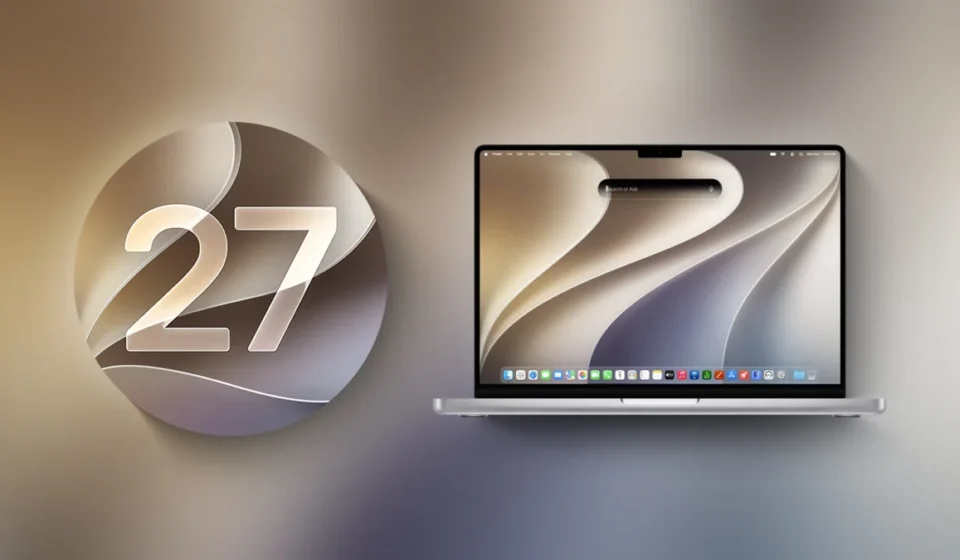
Apple Releases macOS Golden Gate Beta 5, Refining AI Integration and User Interface Ahead of Fall Launch

Apple has officially released the fifth beta version of macOS Golden Gate, the upcoming iteration of its desktop operating system, to registered developers. This latest build, seeded on Monday, August 10, 2026, arrives precisely two weeks after the distribution of the fourth beta, signaling Apple’s continued accelerated development cycle as it gears up for a public release later this fall. The ongoing beta program allows developers to thoroughly test new features, identify potential bugs, and ensure compatibility with their applications before the final version is made available to the wider user base.
The new beta, designated as macOS 27 Beta 5, can be accessed by developers through the standard update channels. To download and install it, developers need to navigate to System Settings, then General, and subsequently select Software Update. It is imperative that the "Beta Updates" option is enabled within these settings, and a valid, free Apple Developer account is a prerequisite for accessing these pre-release builds. This meticulous testing process is crucial for maintaining the high standards of stability and performance that Apple users have come to expect.
A Refined Aesthetic: The Evolution of the macOS Golden Gate Interface
macOS Golden Gate introduces a series of significant design enhancements aimed at modernizing the user experience and improving visual clarity. Among the most notable changes is the refinement of the "Liquid Glass" opacity. This visual effect, which provides a sense of depth and translucency to windows and elements, has been improved to enhance readability. Users will now find that the degree of transparency can be finely controlled through a dedicated slider, offering greater personalization and adapting to individual user preferences and ambient lighting conditions.
Furthermore, Apple has paid close attention to the subtle cues that guide user interaction. Changes to shadowing have been implemented to make it more intuitive for users to distinguish between active and inactive windows. This visual distinction is critical for efficient multitasking, allowing users to quickly identify the window they are currently interacting with.
The overall application interface has also undergone a standardization. Apps within macOS Golden Gate now feature uniform toolbars, presenting a consistent look and feel across the operating system. Sidebars have been extended to offer edge-to-edge usability, maximizing screen real estate and providing more space for content navigation. In a move that streamlines the visual clutter, the operating system now utilizes less rounded corners on interface elements, contributing to a cleaner and more modern aesthetic. Additionally, the menu bar, a staple of macOS, has been decluttered with fewer icons, reducing visual noise and making it easier for users to focus on their tasks. These design refinements collectively contribute to a more cohesive, efficient, and visually appealing operating system.
Siri’s Metamorphosis: An AI-Powered Assistant for the Modern Mac User
Perhaps the most transformative feature in macOS Golden Gate is the complete overhaul of Siri, which is now positioned as "Siri AI." This is not merely an incremental update but a fundamental reimagining of Apple’s virtual assistant, evolving it into a sophisticated chatbot-style intelligence. Siri AI is designed to leverage a vast pool of general world knowledge, integrate seamlessly with a user’s personal data, and possess an awareness of on-screen content. This confluence of capabilities allows Siri AI to answer a far broader range of questions, from factual queries to complex tasks, and to proactively find information relevant to the user’s current context.
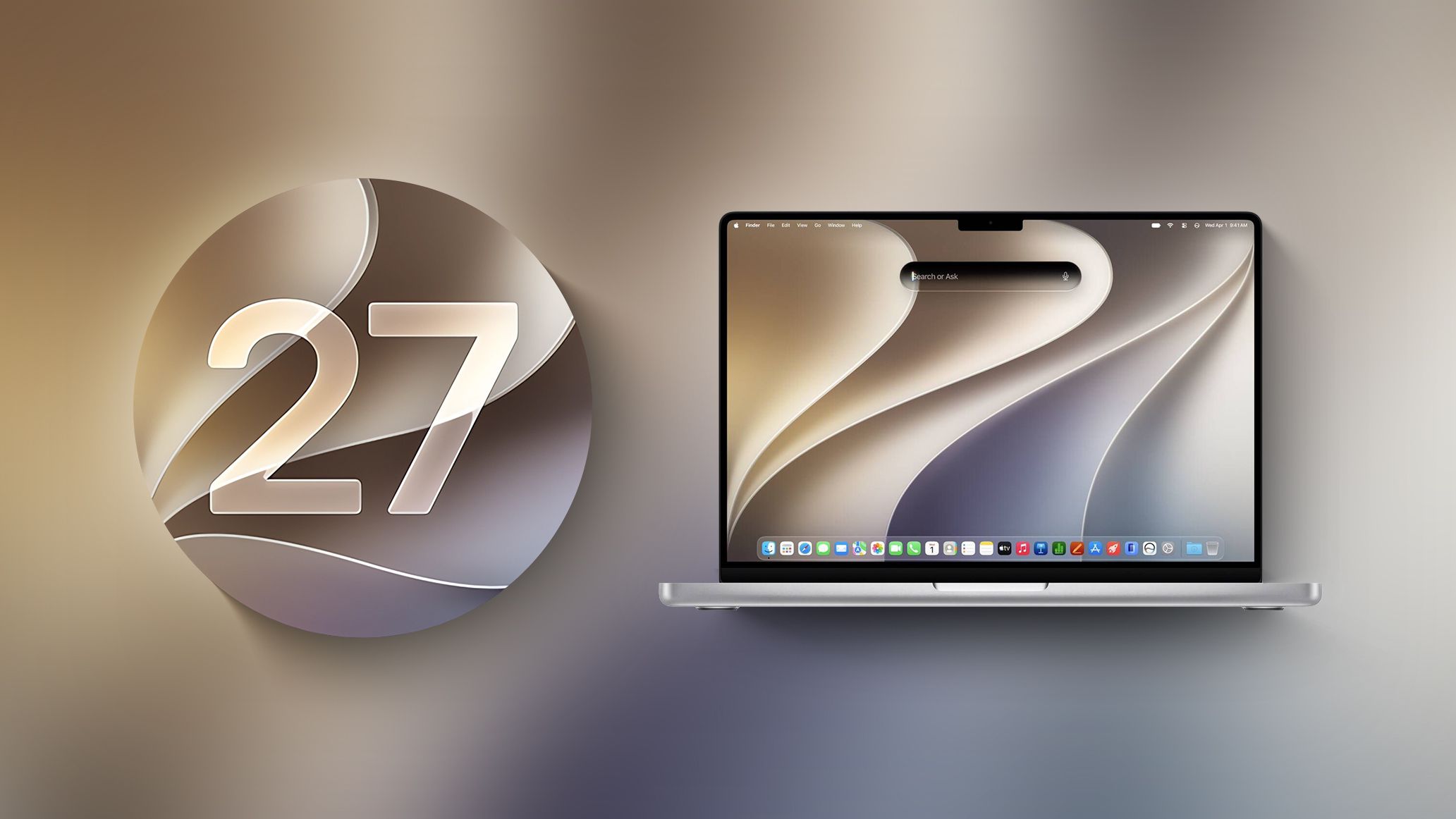
The integration of Siri AI into Spotlight is a strategic move. Users can now interact with this advanced assistant through the new Search or Ask interface directly within Spotlight, making it an even more central and accessible tool for information retrieval and task management. This proximity to the existing search functionality ensures a natural workflow for users accustomed to leveraging Spotlight for quick access to applications and files.
Beyond its Spotlight integration, a dedicated "Siri" app has been introduced. This application provides a dedicated space for users to engage in extended conversations with Siri AI, review past interactions, and manage their AI assistant’s history. This feature is particularly beneficial for complex queries or when users need to refer back to previous information. For users with newer Mac models, Apple has introduced the ability to customize Siri AI’s voice. This includes options for personalized pace and expressivity, allowing for a more natural and tailored interaction that reflects individual user preferences.
The introduction of "Visual Intelligence" to macOS marks another significant advancement for Siri AI. This capability enables the assistant to understand and interpret what is currently displayed on the user’s screen. Consequently, Siri AI can now provide contextually relevant answers and assistance based on visual information, opening up new avenues for user support and interaction. For instance, a user struggling with a particular software interface could ask Siri AI for guidance, and the assistant, with Visual Intelligence, could offer specific instructions based on the on-screen elements.
Complementing these capabilities is the "Write with Siri" feature. This innovative tool empowers Siri AI to assist users with their writing tasks. It can generate text, offer suggestions for improvement, provide feedback on grammar and style, and even help brainstorm ideas. This feature has the potential to significantly boost productivity for students, writers, and professionals alike, transforming Siri AI into a genuine collaborative writing partner.
AI-Driven Enhancements Across Core Applications
The pervasive influence of artificial intelligence extends beyond Siri AI, permeating various core applications within macOS Golden Gate. The Photos app, a central hub for managing and editing images, now incorporates advanced AI-powered editing tools. These tools are expected to simplify complex editing tasks, offering intelligent suggestions for enhancements, automatic object removal, and sophisticated color correction, all aimed at producing professional-quality results with minimal user effort.
Safari, Apple’s web browser, also benefits from AI integration, with the introduction of AI-driven tab organization. This feature aims to intelligently group and manage open tabs, reducing clutter and improving browsing efficiency, particularly for users who tend to have numerous tabs open simultaneously. The system can learn user browsing habits and proactively suggest tab groupings, making it easier to find and revisit relevant content.
In the realm of security and privacy, the Passwords app receives a notable AI enhancement: an option to automatically update weak passwords. Leveraging AI, the system can identify compromised or outdated passwords and, with user permission, generate stronger, more unique passwords and securely update them across relevant accounts. This proactive approach to password management significantly bolsters user security in an increasingly complex digital landscape.
The Image Playground app, a dedicated tool for image generation, has been revamped and is now a more powerful and versatile creative instrument. This updated version is capable of generating photorealistic images, a testament to the advancements in generative AI. Users can provide prompts and descriptions, and Image Playground will render highly detailed and realistic visuals, opening up new possibilities for designers, artists, and content creators.
A Deep Dive into the Development Timeline and Beta Program
The release of macOS Golden Gate Beta 5 follows a structured development path that began with the initial developer preview. While the exact date of the first developer preview has not been explicitly stated in the provided excerpt, the subsequent beta releases indicate a consistent two-week cadence for major updates.
- Initial Developer Preview: (Date not specified, but prior to Beta 1)
- macOS Golden Gate Beta 1: (Date not specified)
- macOS Golden Gate Beta 2: (Date not specified)
- macOS Golden Gate Beta 3: (Date not specified, but preceded Beta 4 by two weeks)
- macOS Golden Gate Beta 4: Released on Monday, July 20, 2026. This release came two weeks after Beta 3 and marked a significant step in the testing process.
- macOS Golden Gate Beta 5: Released on Monday, August 10, 2026. This latest build continues the two-week cycle, focusing on refining existing features and addressing feedback from the previous beta.
The introduction of the public beta program has also been a crucial component of the macOS Golden Gate testing phase. The first public beta of macOS Golden Gate became available on Monday, July 13, 2026, approximately a week after the fourth developer beta. This allowed a broader audience of non-developers to test the software, providing valuable real-world feedback. Subsequently, the second public beta was released on Wednesday, July 22, 2026, further expanding the testing pool and allowing for more diverse user scenarios to be evaluated.
This phased rollout, from developer previews to public betas, is a hallmark of Apple’s software development strategy. It allows for rigorous testing in controlled environments before exposing the software to the general public, thereby minimizing the risk of widespread issues upon the final release. The consistency in the two-week beta release schedule suggests that Apple is on track for a public launch in the typical fall timeframe, likely aligning with the release of new Mac hardware.
Broader Implications and Future Outlook
The advancements in macOS Golden Gate, particularly the deep integration of AI, signal a significant shift in how users will interact with their Macs. The evolution of Siri into a more capable and context-aware assistant has the potential to redefine productivity and user assistance on the platform. By embedding AI across core applications, Apple is not just adding new features; it is fundamentally enhancing the intelligence and utility of the entire macOS ecosystem.
The emphasis on a refined user interface, with improvements to transparency, shadowing, and application layout, suggests a continued commitment to user experience and aesthetic consistency. These design changes, while perhaps subtle individually, collectively contribute to a more polished and intuitive operating system.
From a developer’s perspective, the ongoing beta program provides essential time to adapt their applications to the new macOS environment. Ensuring compatibility with AI features, updated interface elements, and underlying system changes will be critical for a smooth transition for users. The availability of detailed documentation and early access to beta builds is a testament to Apple’s collaborative approach with its developer community.
The success of macOS Golden Gate will ultimately be measured by its stability, performance, and the seamless integration of its new AI-powered capabilities into the daily workflows of Mac users. As the beta program progresses, further refinements and potentially new features may emerge, all contributing to what promises to be a significant evolution for Apple’s desktop operating system. The focus on intelligent assistance and a cleaner, more intuitive interface positions macOS Golden Gate as a forward-looking release poised to enhance user productivity and creativity.
For those interested in a comprehensive overview of all the new features and ongoing developments in macOS Golden Gate, Apple has provided a dedicated roundup, accessible through the company’s official developer resources and tech news outlets. This central repository serves as a valuable reference for staying informed about the evolution of this exciting new operating system.