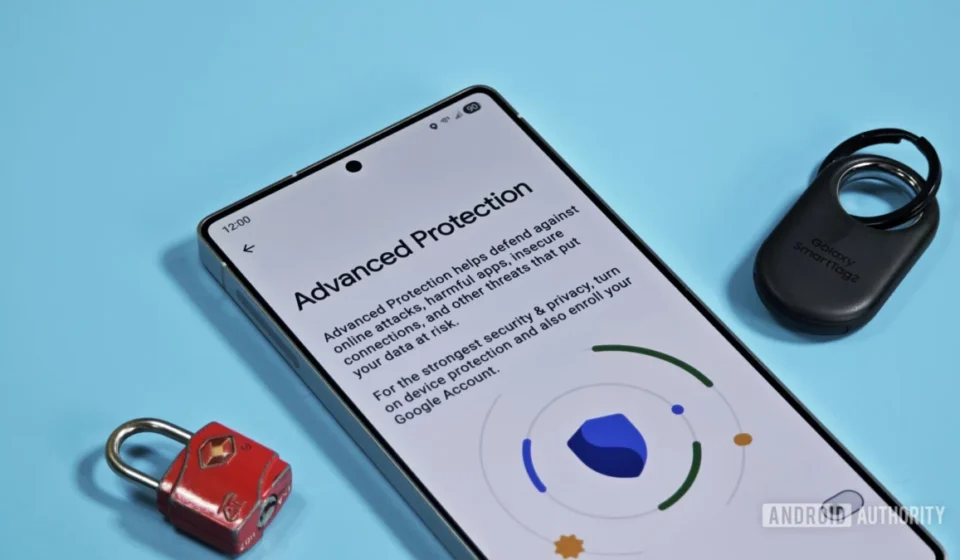
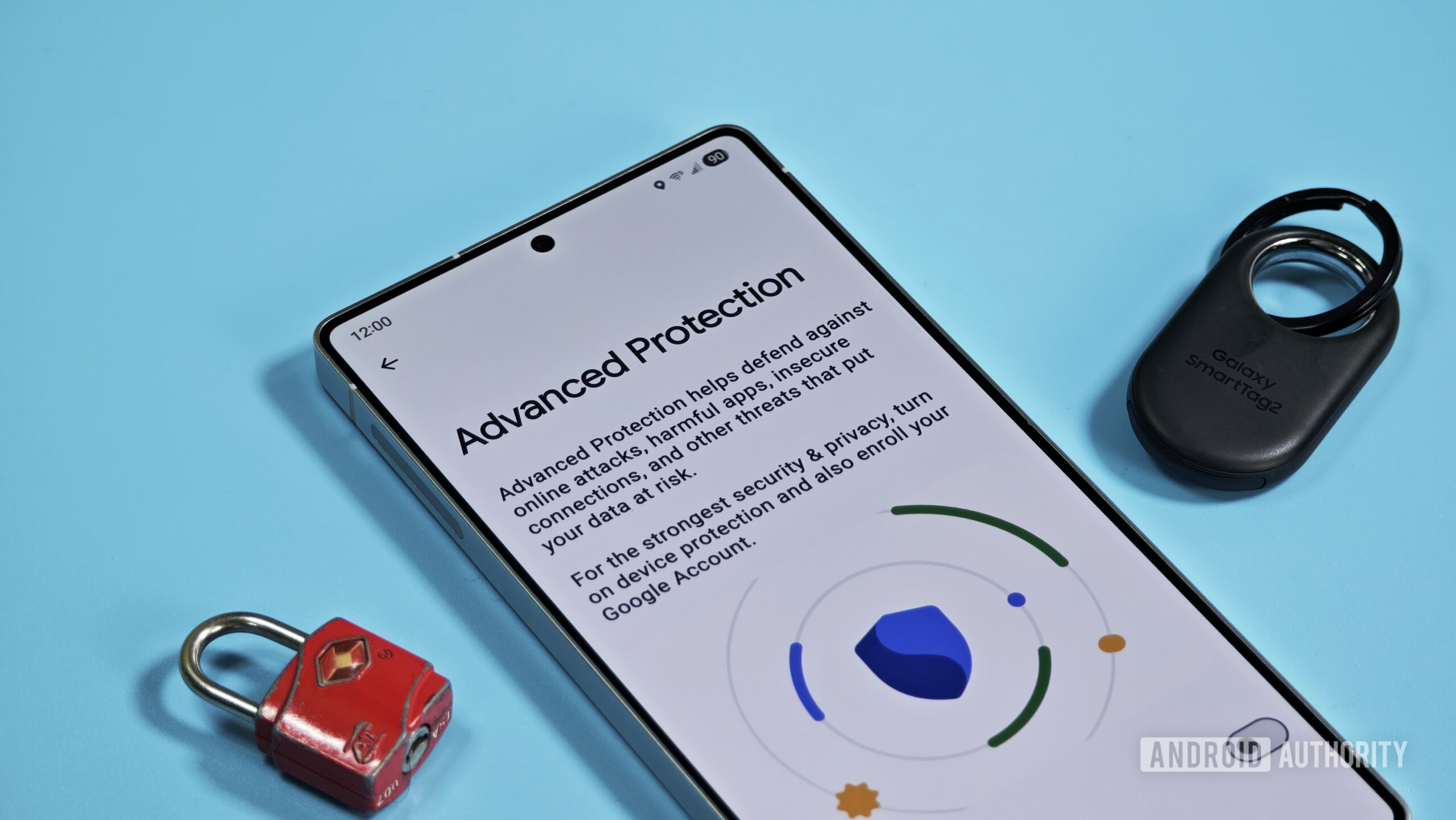
Google’s Advanced Protection Mode Set to Receive Crucial "Pause" Functionality, Enhancing User Flexibility and Security Posture.

Google is poised to introduce a significant quality-of-life improvement for its Advanced Protection Mode (APM) on Android, with new evidence suggesting the development of a feature allowing users to temporarily "pause" its stringent security protocols. This forthcoming enhancement, unearthed through an in-depth analysis of Google Play Services version 26.30.31, marks a strategic move by the tech giant to balance robust security with essential user flexibility, particularly in light of evolving app installation regulations.
The discovery, made by prominent APK teardown specialists, indicates that users will no longer need to fully disable and manually re-enable APM for tasks that require temporary relaxation of security settings, such as sideloading applications. Instead, the system will offer a timed pause, automatically restoring full protection after a specified duration, thereby significantly reducing the window of potential vulnerability. This development underscores Google’s ongoing commitment to fortifying the Android ecosystem against increasingly sophisticated cyber threats while acknowledging practical user needs.
The Evolving Landscape of Android Security
Android’s journey towards a more secure operating environment has been a continuous process, driven by the sheer scale of its user base and the persistent threats posed by malicious actors. Over the past decade, Google has incrementally rolled out a suite of security features, from basic app scanning with Google Play Protect to more advanced, proactive measures. The introduction of features like Scoped Storage, stricter permission management, and hardware-backed security modules in recent Android iterations (such as Android 14 and the anticipated Android 15 and 16) illustrates a clear trajectory towards a hardened platform. These efforts are critical in an era where mobile devices are central to personal and professional lives, holding sensitive data ranging from financial information to private communications.
The threat landscape itself has grown more complex. Users face risks from various vectors, including sophisticated phishing attacks designed to steal credentials, malware embedded in seemingly legitimate apps, and even state-sponsored surveillance attempts targeting high-profile individuals. This escalating threat environment necessitates multi-layered security approaches, where features like Advanced Protection Mode play a crucial role in safeguarding the most vulnerable users.
Understanding Advanced Protection Mode
Advanced Protection Mode, initially launched by Google in 2017, was specifically designed for individuals at heightened risk of targeted cyberattacks. This demographic typically includes journalists, activists, government officials, business leaders, and anyone whose digital presence might make them a target for state-sponsored attackers or other sophisticated threat groups. Unlike standard Android security settings, APM bundles several high-level protections into a single, comprehensive framework that, once enabled, cannot be selectively disabled.
The core tenets of APM include:
- Stricter Google Account Sign-in: Requires the use of security keys (physical FIDO U2F keys) for Google account login, offering a far stronger defense against phishing than traditional two-factor authentication methods.
- Restricted App Installations: Blocks the installation of apps from unknown sources (sideloading) outside of the Google Play Store, significantly reducing the risk of malware infiltration from untrusted applications.
- Enhanced Google Play Protect Scanning: Provides more rigorous and frequent scanning of installed applications to detect and mitigate potential threats.
- Limited Third-Party App Access: Prevents less secure apps from accessing sensitive Google account data, ensuring that only trusted applications with strong security postures can interact with critical user information.
- Thorough Drive Scans: Scans attachments in Gmail and files in Google Drive for viruses and other malware more thoroughly.
While these protections offer an unparalleled level of security for Android users, they come with a trade-off: a degree of inconvenience and restricted functionality. For instance, the inability to sideload apps has been a notable pain point. Users needing to install an application not available on the Play Store – perhaps a beta version, an open-source tool like Obtainium, or an app from a niche repository – currently face a cumbersome process. This involves navigating to settings, completely disabling APM, performing the installation, and then remembering to re-enable it. This manual process introduces a window of vulnerability and relies on user diligence, which can sometimes falter.
The Game-Changing "Pause" Functionality
The newly discovered "pause" feature directly addresses this friction. According to the APK teardown analysis, when a user attempts to disable Advanced Protection Mode, Android will present a dialog box with a crucial new option: "While paused, device protection features will be turned off. They will automatically turn back on after 3 hours."
This message highlights several key aspects of the new functionality:
- Temporary Deactivation: APM is not fully disabled but rather temporarily suspended.
- Time-Limited Exposure: The security features will automatically reactivate after a fixed duration, identified as three hours. This short window is critical, as it minimizes the time a device is left exposed due to user oversight.
- Automated Re-enablement: The burden of remembering to turn APM back on is removed, significantly enhancing user convenience and security hygiene.
This mechanism represents a sophisticated middle ground between absolute security and practical usability. Instead of a binary on/off switch, users gain a controlled, temporary override.
Practical Applications and Benefits
The implications of this "pause" feature are far-reaching for APM users:
- Streamlined Sideloading: This is arguably the most prominent use case. Users who rely on sideloading for niche apps, development builds, or regional software can now do so without lengthy periods of vulnerability. For example, developers testing their apps or power users installing F-Droid applications will find their workflow significantly smoother and more secure.
- Troubleshooting and Compatibility: Certain enterprise applications, specialized tools, or even some legitimate apps might have compatibility issues with APM’s stringent rules. The pause function allows users to temporarily disable APM to diagnose issues or use these incompatible tools without permanently compromising their device’s security.
- Software Testing and Development: Developers or quality assurance professionals can temporarily adjust security settings to test various scenarios, including app installations from different sources, without having to completely reconfigure their security profile each time.
- Emergency Access to Restricted Features: In rare cases, a specific link or file type might be blocked by APM, and temporary access is required. The pause feature offers a controlled way to handle such exceptions.
Compared to other temporary security overrides, such as Google Play Protect’s option to pause app scanning until the next day, the three-hour automatic re-enablement for APM is notably more conservative. This shorter duration reflects the critical nature of APM’s protections and Google’s emphasis on minimizing exposure for high-risk users. It’s a clear signal that while flexibility is being introduced, the core principle of robust security remains paramount.
Chronology and Context: New Sideloading Rules
The timing of this "pause" feature’s development is particularly noteworthy, aligning with significant upcoming changes to Android’s sideloading policies. Google recently announced a new developer verification system designed to introduce more rigorous user-facing protections for apps installed outside the Play Store. These changes are slated to begin rolling out on September 30, 2026, with a global expansion planned for 2027.
Under these new rules, installing apps from unknown or unverified developers will involve additional security checks and prompts, making the sideloading process more transparent but also potentially more restrictive. While sideloading itself is not being eliminated, the experience will become more controlled and security-focused.
Given this impending shift, it is highly probable that Google is proactively refining Advanced Protection Mode to complement these new sideloading rules. By offering a convenient yet secure "pause" option, Google can mitigate potential user frustration and ensure that even the most security-conscious users can navigate the evolving app installation landscape without feeling unduly hampered. This foresight demonstrates a strategic effort to harmonize enhanced platform security with a manageable user experience, ensuring that the Android ecosystem remains both open and secure.
Broader Implications and Expert Perspectives
This enhancement to Advanced Protection Mode signals Google’s continued evolution in its approach to mobile security. It reflects an understanding that an "all-or-nothing" security stance, while robust, can sometimes be impractical for users with legitimate needs. By introducing granular, time-limited controls, Google is moving towards a more intelligent and user-friendly security framework.
Cybersecurity experts often emphasize the importance of usability in security solutions. If security features are too cumbersome, users may be tempted to disable them permanently or avoid them altogether, thereby defeating their purpose. The "pause" feature for APM addresses this psychological aspect of security adoption. By making APM less intrusive for temporary tasks, Google encourages broader adoption and consistent use among its target demographic. This move could solidify APM’s role as a benchmark for high-level mobile security.
While Google has not yet made an official announcement regarding this unreleased feature, its presence in the Google Play Services APK is a strong indicator of its imminent arrival. Industry observers suggest that such features are a testament to Google’s commitment to adapting its security offerings to both the evolving threat landscape and the practical realities of user behavior. The ability to temporarily lift restrictions while maintaining an overarching security posture is a sophisticated design choice that benefits both the individual user and the integrity of the broader Android ecosystem.
In conclusion, the prospective introduction of a "pause" function for Android’s Advanced Protection Mode is a thoughtful and strategic upgrade. It represents a mature approach to security, acknowledging that flexibility can coexist with robust protection. As Android continues to evolve and new regulations shape the digital landscape, such intelligent refinements will be crucial in maintaining the platform’s position as a secure and adaptable operating system for billions worldwide.