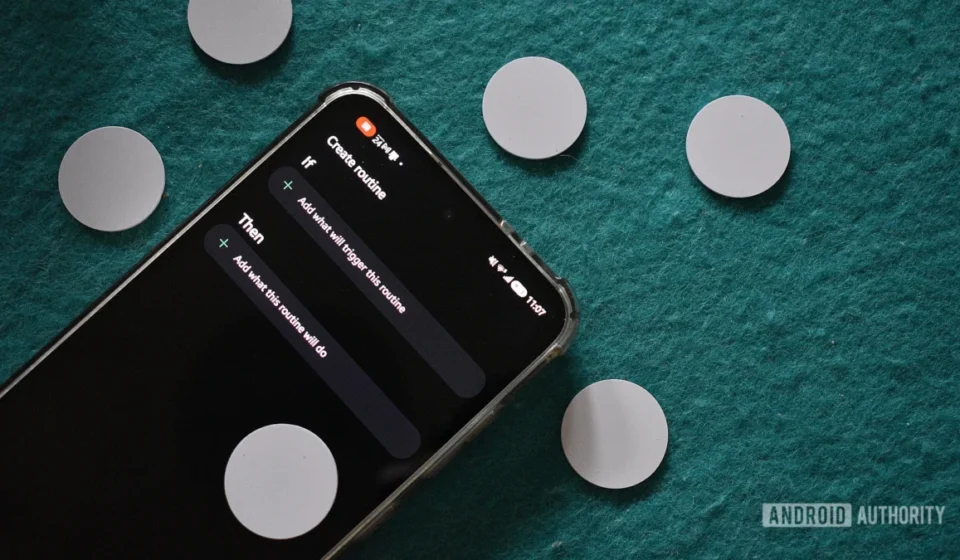
Unlocking Daily Efficiency: The Underestimated Power of NFC Tags with Samsung’s Modes and Routines

Near Field Communication (NFC), a foundational yet often underappreciated smartphone technology, is demonstrating its profound potential in revolutionizing daily personal automation. While less conspicuous than advancements like Ultra-Wideband (UWB) or ubiquitous Wi-Fi, NFC’s seamless, tap-to-trigger capabilities are empowering users to streamline mundane tasks and enhance digital efficiency, particularly when integrated with sophisticated automation platforms like Samsung’s Modes and Routines, augmented by the Routines+ Good Lock module. This synergy offers a compelling, cost-effective pathway to personalized smart experiences, transforming everyday interactions with mobile devices into friction-free processes.
The Foundational Technology: Understanding NFC and its Evolution
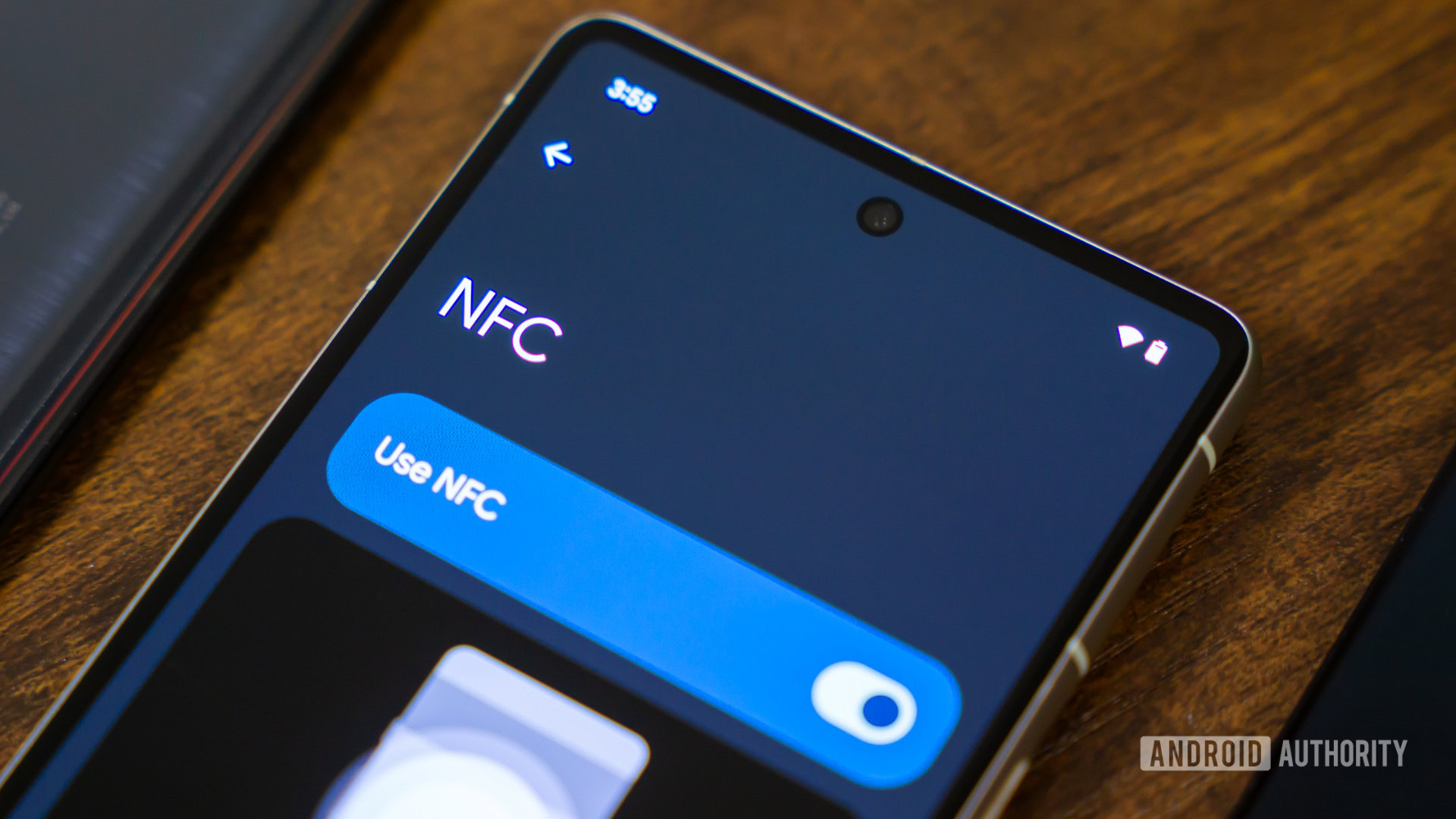
NFC is a short-range wireless technology that allows two devices to communicate when they are brought within a few centimeters of each other. Operating at 13.56 MHz, it typically facilitates data transfer at speeds up to 424 kbit/s. Developed from Radio-Frequency Identification (RFID) technology, NFC was standardized in 2003 and has since become a ubiquitous feature in modern smartphones. Its primary applications initially centered on contactless payments (e.g., Google Pay, Samsung Pay, Apple Pay), secure data exchange, and device pairing (e.g., connecting Bluetooth headphones with a tap).
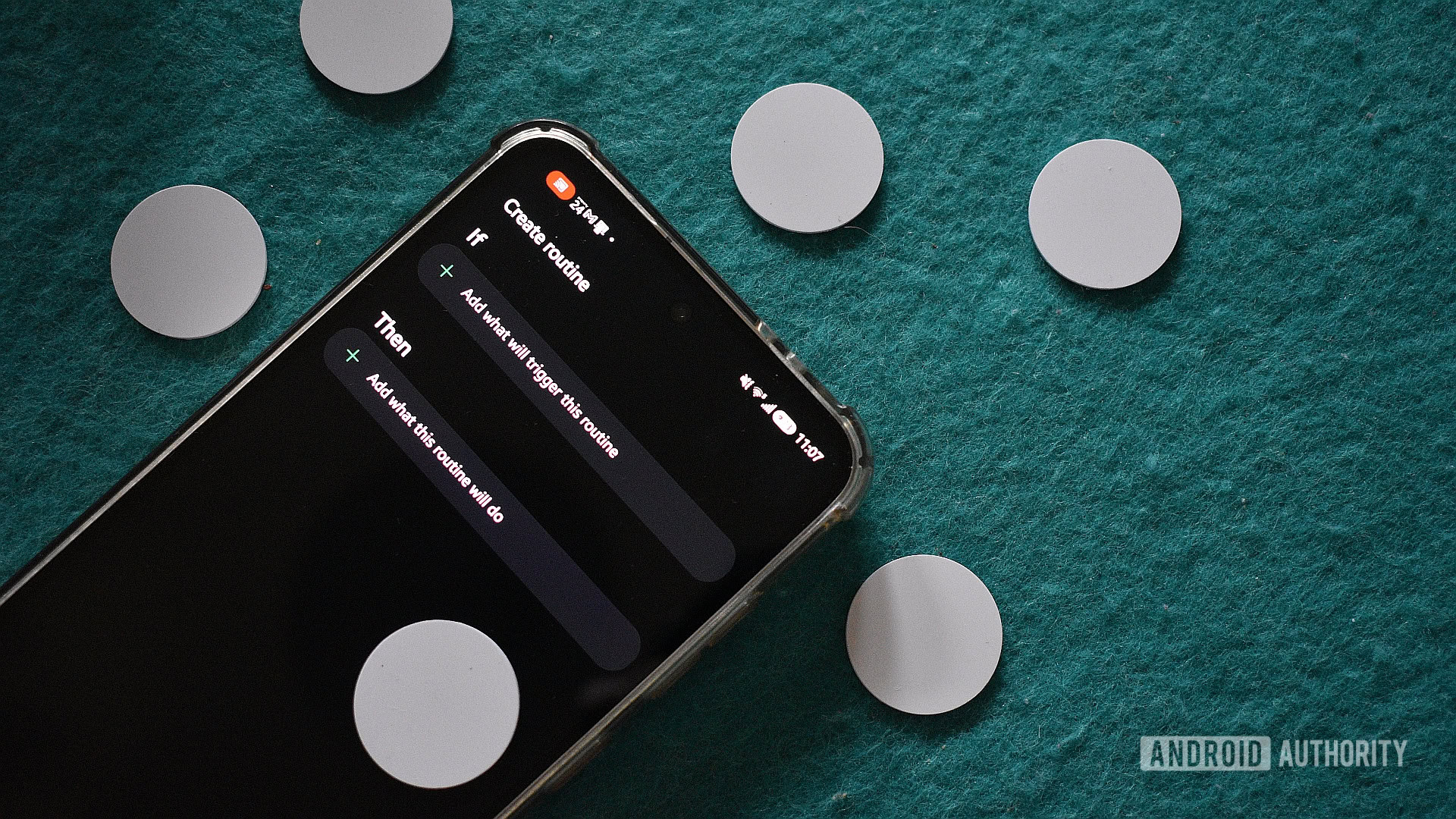
However, the utility of NFC extends far beyond these widely recognized functions. NFC tags, passive electronic chips that require no power source of their own, act as simple data carriers or triggers. When an NFC-enabled smartphone comes into contact with a tag, the tag is powered by the phone’s electromagnetic field, allowing it to transmit a small amount of data or execute a pre-programmed command. This elegant simplicity, combined with their low cost—often available in packs of 10 for under $10, or even 50 for a similar price in some markets—makes them an ideal component for personal automation projects. Despite their widespread integration into smartphones, a recent survey involving 102 participants indicated a significant underutilization of NFC tags in daily routines, highlighting a gap in public awareness regarding their broader capabilities.
Samsung’s Automation Ecosystem: Modes and Routines with Good Lock
Samsung has positioned itself at the forefront of smartphone customization and automation through its "Modes and Routines" feature, deeply integrated into its One UI software overlay. This robust platform allows users to define specific conditions (triggers) that, when met, execute a series of predefined actions. For instance, a routine could automatically switch the phone to silent mode upon entering a cinema, or activate specific connectivity options when connecting to a car’s infotainment system.
The functionality of Modes and Routines is further amplified by "Good Lock," Samsung’s experimental suite of customization modules. The "Routines+" module, in particular, expands the range of triggers and actions available, offering granular control over device settings and app interactions. This allows for highly complex, multi-step automations that might otherwise require third-party solutions like Tasker or MacroDroid, which, while powerful, often demand a steeper learning curve. By leveraging NFC tags as physical triggers, Samsung users gain an intuitive, tactile interface for initiating these intricate routines, transforming digital commands into physical interactions.
Crafting Seamless Experiences: Practical Applications of NFC-Triggered Routines
The integration of NFC tags into Samsung’s automation framework unlocks a myriad of practical applications that can significantly reduce cognitive load and enhance daily efficiency. The following case studies illustrate how these inexpensive chips, paired with thoughtful routine design, can smooth out common daily "friction points."
1. The Optimized Morning Ritual
For many, the transition from sleep to wakefulness is fraught with potential for procrastination. A common strategy to combat this involves using alarm clock applications that require physical interaction to disable. By employing a third-party alarm app, such as NFC Alarm Clock, that necessitates scanning a specific NFC tag to silence the alarm, users are physically compelled to leave their bed.
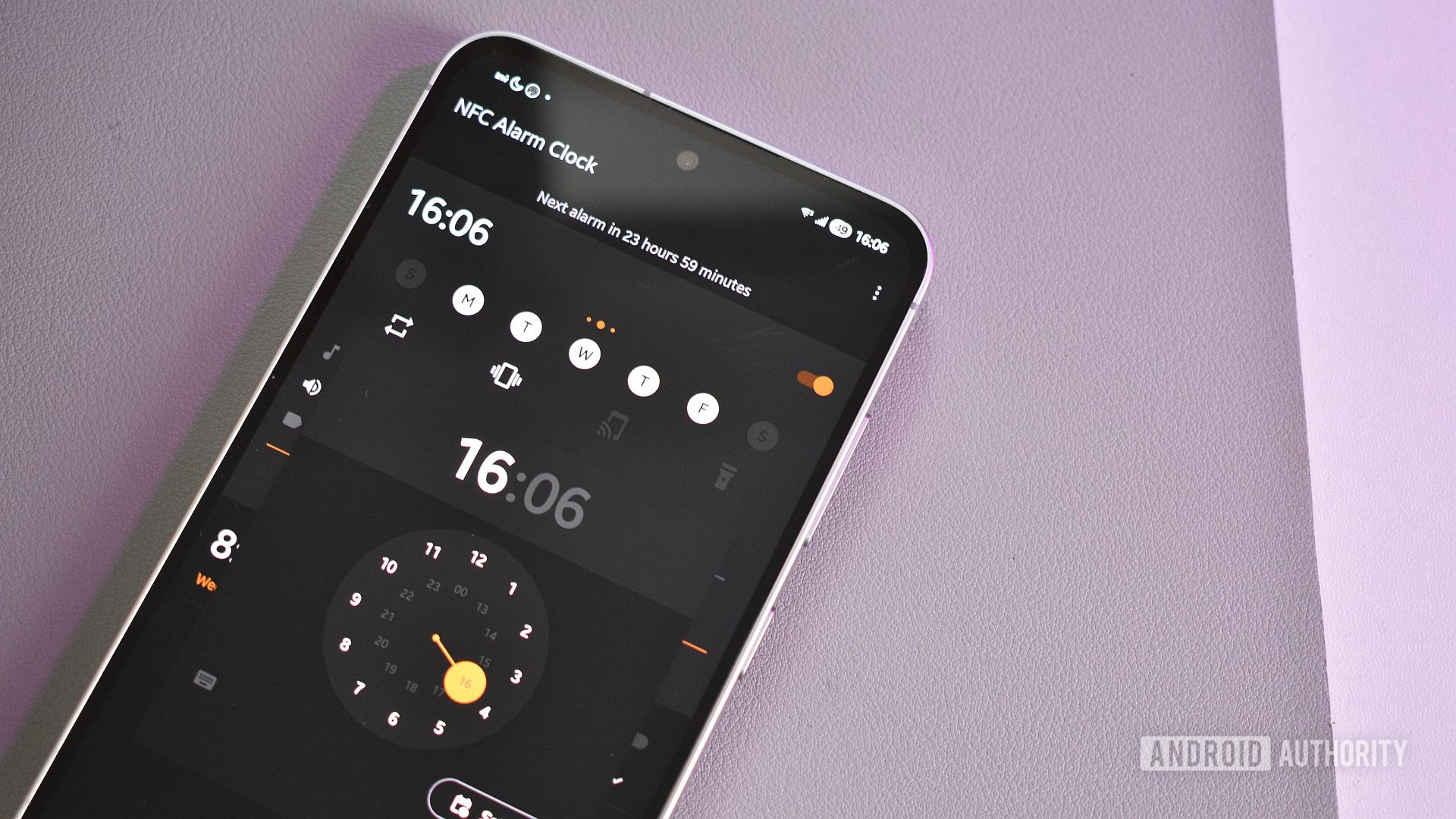
Positioning this tag strategically—for example, on a coffee machine, a bathroom mirror, or a balcony railing—ensures the user is out of bed and moving. Upon scanning the tag, a pre-programmed Samsung routine can concurrently initiate a series of actions designed to prepare for the day. This might include:
- Display Adjustments: Setting screen brightness to a comfortable level (e.g., 50%) and activating "Eye Comfort Shield" to an adaptive mode, mitigating the harshness of a bright screen in low morning light.
- Information Access: Launching critical applications in an app pair, such as Google Calendar for reviewing the day’s schedule and Google Keep for organizing tasks and notes. This allows for quick cross-referencing and mental preparation.
- News Digest: Automatically loading a preferred news aggregator, like Kagi News, to catch up on global events without the need for manual app navigation.
- Optional Enhancements: Incorporating actions like starting a curated Spotify playlist for morning ambiance or launching a coffee timer app.
This multi-faceted routine transforms the simple act of disabling an alarm into a productive kickstart for the day, typically saving several minutes of manual adjustments and app launching.
2. The Productive Work-From-Home Environment
In an increasingly remote work landscape, optimizing the home office setup is crucial. An NFC tag placed strategically on a desk can trigger a "work-from-home" routine, preparing the device for a full workday. This routine focuses on preserving device longevity, eye health, and minimizing distractions:
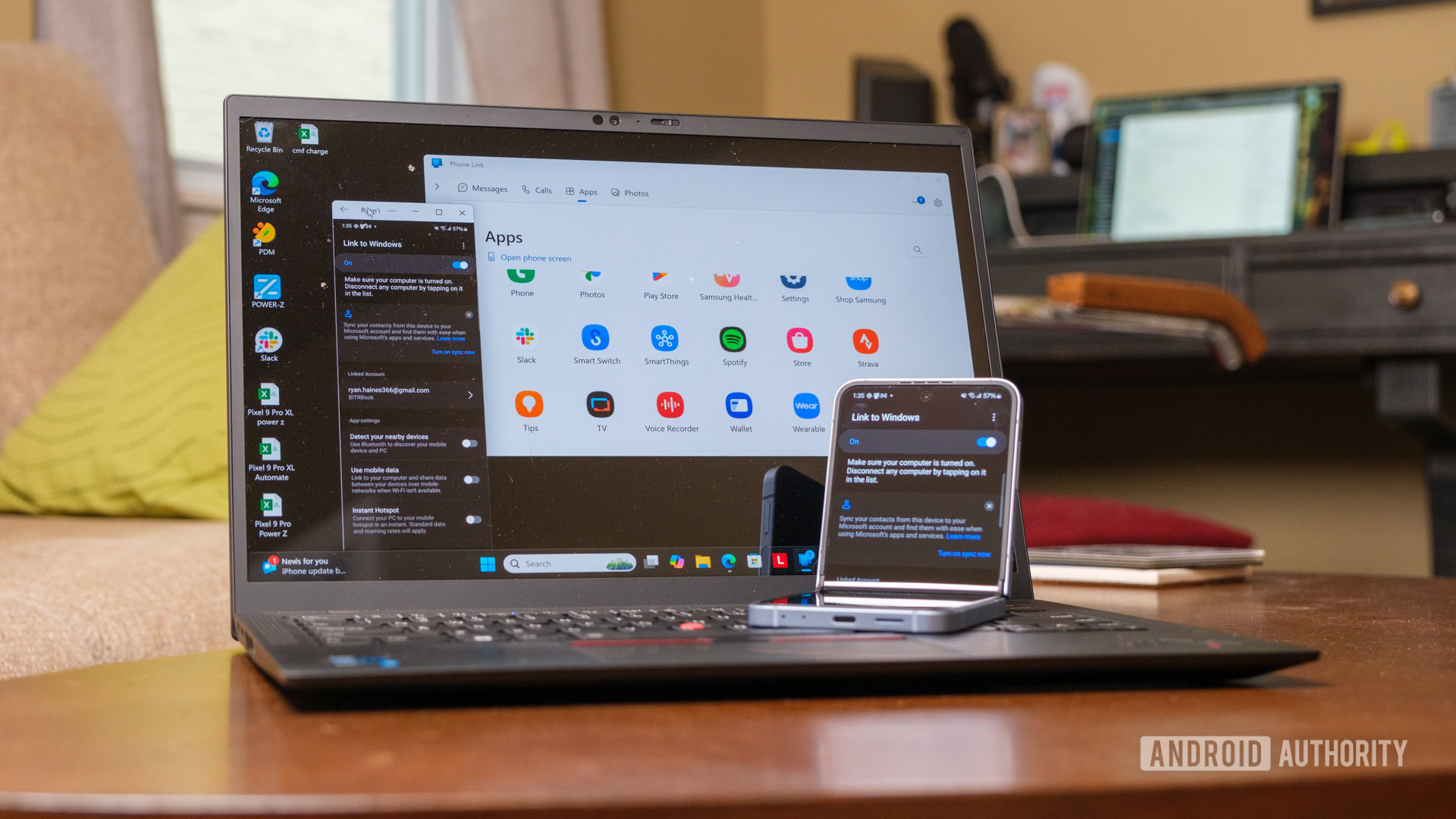
- Battery Management: Activating "Battery Protection" to limit charging to 85%, a measure that extends the overall lifespan of the smartphone battery, especially when the device is frequently connected to a charging hub.
- Connectivity and Mirroring: Enabling "Link to Windows" to seamlessly mirror the phone’s screen and notifications onto a desktop monitor, promoting a unified workspace.
- Uninterrupted Workflow: Setting the phone to remain unlocked, eliminating the need for frequent authentication during active work periods.
- Productivity Tools: Launching a Pomodoro timer application, such as Tomato, to facilitate structured work intervals and breaks, adhering to established productivity methodologies.
This routine ensures that the smartphone transitions efficiently from personal use to a professional tool, integrated with the workstation without manual configuration.
3. The Prepared Outdoor Exercise Routine
Encouraging outdoor activity often requires minimizing barriers to participation. An NFC routine designed for pre-outdoor exercise can ensure all necessary preparations are made with a single tap, located conveniently near an exit point (e.g., the front door).
- Connectivity and Media: Activating Wi-Fi and Bluetooth, connecting to preferred audio devices, and adjusting "Bluetooth audio volume" to a preset level suitable for outdoor listening.
- Content Access: Launching a preferred podcast application, such as Podcast Republic, directly to the "Playing" screen, allowing for immediate resumption of content and the ability to pocket the phone without further interaction.
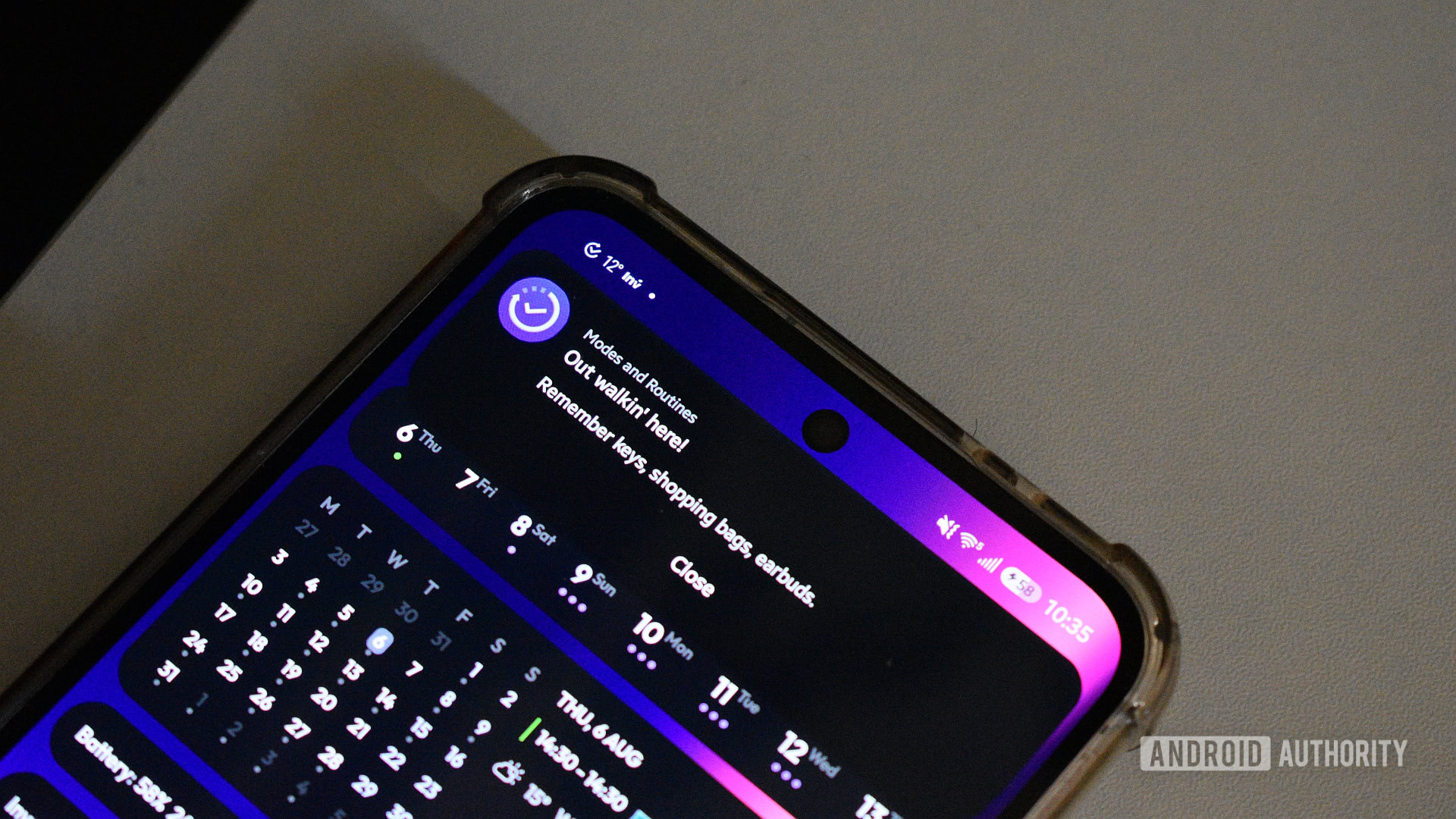
- Essential Reminders: Displaying a customizable pop-up message with a checklist of items to remember (e.g., keys, water bottle, headphones), reducing the chance of forgetting essentials.
- Safety and Communication: Automatically opening WhatsApp to a specific contact’s chat (e.g., a family member), facilitating quick sharing of location before departure. While direct message sending is not yet a native action, preparing the chat minimizes steps.
This routine streamlines the departure process, ensuring both entertainment and safety protocols are in place, fostering a more consistent exercise habit.
4. The Streamlined Android Auto Experience
Connecting and managing multiple phones with in-car infotainment systems like Android Auto can be cumbersome. NFC tags offer an elegant solution to this common "friction point."
- Seamless Connection: An NFC tag placed on the dashboard can trigger a routine that initiates an Android Auto connection, bypassing the need for manual navigation through phone or car menus.
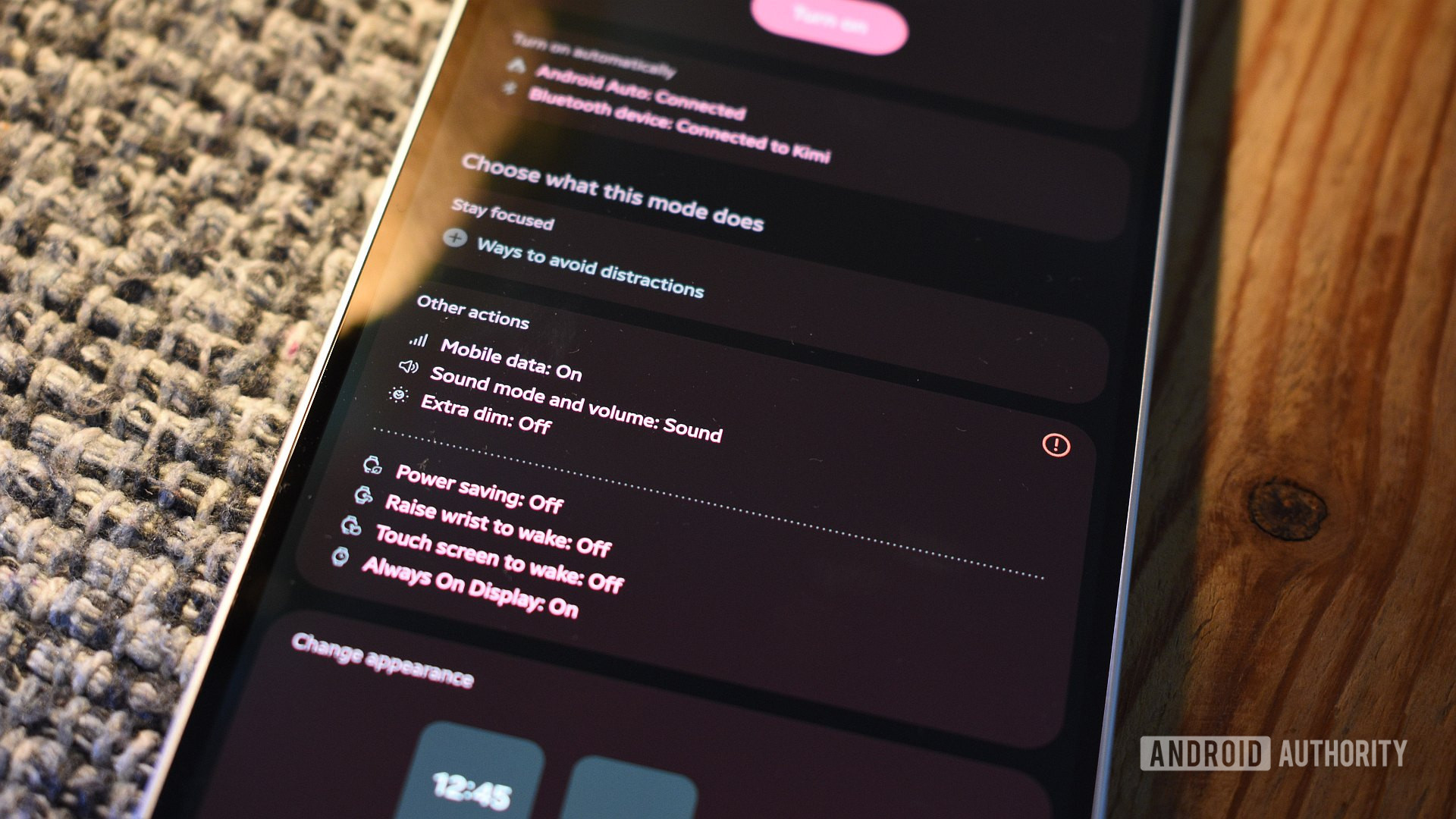
- Display Optimization: Disabling settings like "Extra Dim," which can apply an undesirable gray filter to the car’s display, and setting the phone’s screen brightness to its lowest level to conserve power during the drive.
- Multi-User Management: For households with multiple drivers, a pair of NFC tags can be deployed. One tag enables a user’s Android Auto connection, while another can temporarily disable Wi-Fi and Bluetooth on the first phone, preparing the system for the second driver’s device. This acts as a virtual, physical switch for Android Auto priority.
This application significantly enhances the user experience in vehicles, making the transition to an connected driving environment effortless.
5. The Efficient Culinary Workflow
Even in the kitchen, NFC tags can contribute to a more organized and enjoyable cooking experience.
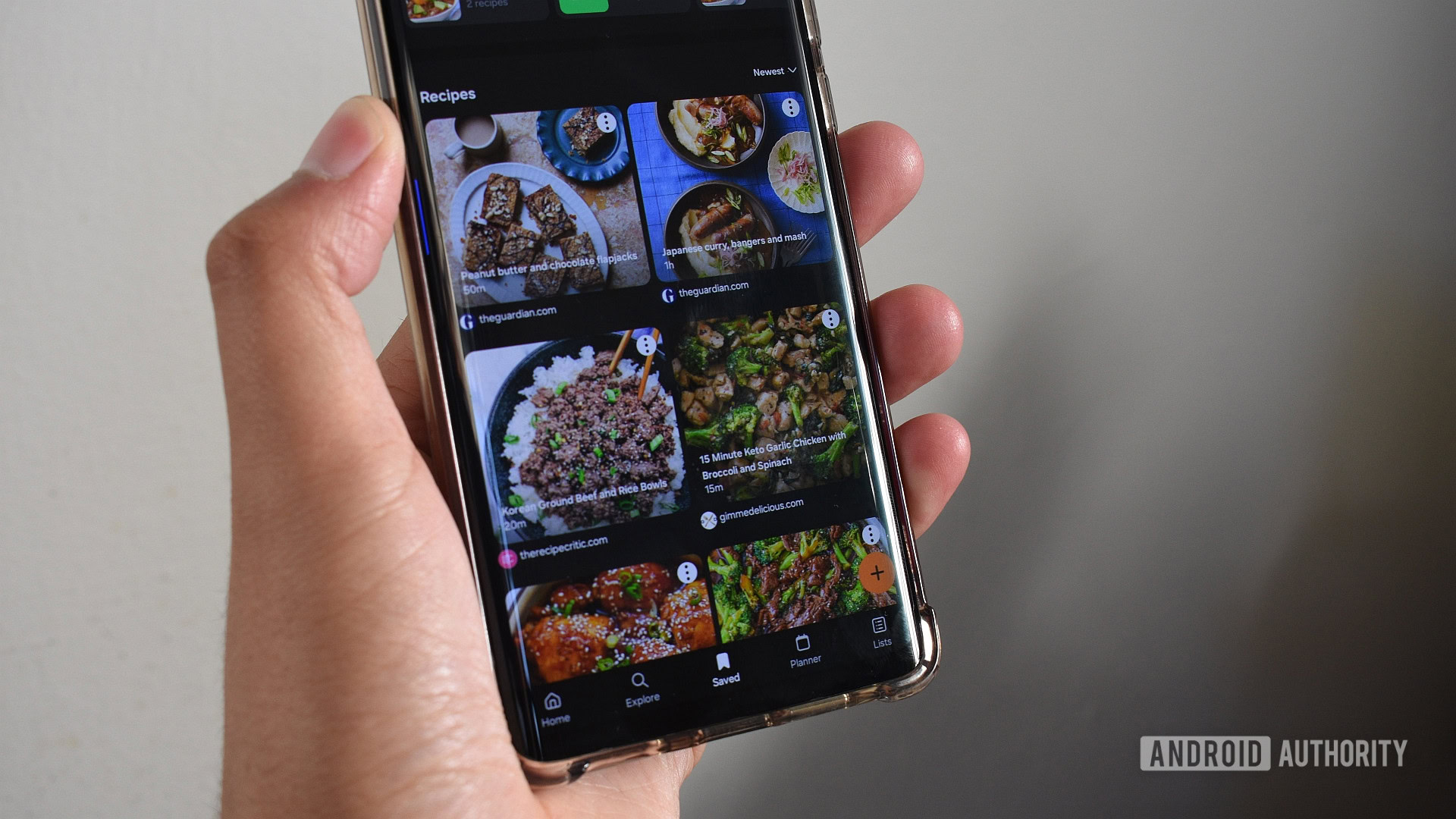
- Recipe and Timer Integration: An NFC tag positioned near the cooking area (e.g., on the fridge or cooktop) can launch a culinary routine. This routine might open a recipe management app like Samsung Food in an app pair with Google Clock, providing immediate access to recipes and cooking timers. This addresses the common oversight of forgetting to set timers, particularly when baking.
- Grocery List Access: Optionally, a separate NFC tag on the refrigerator could instantly open a master grocery list in an app like Google Keep, or this functionality could be integrated into the main cooking routine for a more consolidated experience.
This routine transforms the cooking process by providing instant access to essential tools, promoting accuracy and reducing stress in the kitchen.
6. The Tranquil Bedtime Preparation
Preparing for sleep involves winding down and ensuring devices are set appropriately. A bedside NFC tag can trigger a routine that orchestrates a digital wind-down.
- Sleep Aid Activation: Launching a white noise or sleep aid application, such as CareSleep, to foster a calming auditory environment. Automating this launch discourages browsing other apps, promoting digital detox before sleep.
- Reflective Journaling: After a brief delay (e.g., three minutes), opening a digital note-taking app like Google Keep to a designated "memos" note. This allows users to review thoughts, tasks, and reflections from the day, and plan for the morning, offloading mental clutter.
- Device Optimization for Rest: Activating "Battery Protection" to 95%, enabling "Eye Comfort Shield" and "Extra Dim" at near-maximum levels to minimize blue light exposure and screen brightness, facilitating melatonin production and promoting healthier sleep.
This routine ensures a structured, tech-assisted transition to rest, minimizing screen-related disruptions and promoting cognitive organization before sleep.
Broader Implications and Future Outlook
The exemplary routines underscore NFC’s role as a potent catalyst for hyper-personalization and efficiency in the smart home and mobile ecosystem. This approach offers several broader implications:
- Enhanced Productivity and Digital Well-being: By automating repetitive digital tasks, users can reclaim valuable minutes and reduce mental overhead, fostering greater focus on meaningful activities and promoting a healthier relationship with their devices.
- Accessibility: For individuals with certain accessibility needs, physical NFC tags can provide intuitive, one-touch control over complex device functions, simplifying interactions that might otherwise be challenging.
- Smart Home Integration: As smart home ecosystems mature, NFC tags could serve as simple, localized triggers for complex home automation scenes, bridging the gap between physical presence and digital control. Imagine tapping a tag near the door to activate a "Leaving Home" scene that locks doors, adjusts thermostats, and turns off lights.
- Cost-Effectiveness: The low cost of NFC tags democratizes advanced automation, making sophisticated routines accessible to a wider audience without significant investment in expensive smart home hardware.
- Samsung’s Ecosystem Advantage: Samsung’s robust Modes and Routines platform, particularly with the added capabilities of Good Lock, provides a significant advantage in offering deeply integrated and powerful native automation, positioning it as a leader in user customization.
While the current capabilities are impressive, there remains room for evolution. Direct actions for sending messages to contacts, for example, would further enhance the utility of location-based routines. As artificial intelligence and machine learning continue to advance, future iterations of these automation platforms may offer even more intelligent, predictive, and context-aware routine suggestions, further blurring the lines between user intent and device action. The journey of NFC from a niche payment technology to a cornerstone of personal automation highlights the ongoing potential for seemingly simple technologies to profoundly impact daily life.