Google’s Gboard Poised for Dual Enhancements: AI-Powered Sign Language Translation and Granular Typing Control with Auto-Space Toggle

Recent exclusive insights from Android Authority reveal that Google is actively developing two significant updates for its widely used Gboard keyboard application, signaling a dual focus on groundbreaking accessibility advancements and refined user experience. While one feature promises to revolutionize communication for the deaf and hard-of-hearing community through AI-powered sign language to text translation, the other offers a more subtle yet impactful customization option for everyday typing: a toggle to control automatic spacing after autocorrect suggestions. These developments underscore Google’s ongoing commitment to leveraging artificial intelligence for broader inclusivity while simultaneously fine-tuning the foundational interactions that define modern mobile communication.
The Vision of Inclusivity: AI-Powered Sign Language to Text Feature
The more ambitious of the two discoveries points to Google’s potential integration of a sign language translation capability directly into Gboard. This feature, captured via a device’s camera, would translate sign language gestures into written text, effectively bridging a significant communication gap. Such an innovation aligns perfectly with Google’s broader mission to make information universally accessible and builds upon a foundation of existing accessibility tools.
For millions globally, sign language is their primary mode of communication. According to the World Federation of the Deaf, there are over 70 million deaf people worldwide, with over 300 different sign languages. The ability to seamlessly translate these visual languages into text could unlock unprecedented levels of communication for individuals who rely on them, allowing for more natural and direct interaction with the hearing world in various digital contexts. Imagine a scenario where a user could sign a message into their phone, and Gboard would instantly convert it into a text message or an email, removing layers of intermediary communication often required.
This technological leap would necessitate sophisticated machine learning algorithms, advanced computer vision, and real-time processing capabilities. Google has a formidable track record in these areas, evidenced by products like Live Transcribe, which provides real-time speech-to-text transcription, and Project Euphonia, an initiative focused on helping people with impaired speech communicate more effectively. The potential sign-to-text feature in Gboard would extend this legacy, applying similar AI paradigms to visual language. Industry analysts familiar with assistive technologies view such advancements as pivotal steps towards a truly inclusive digital landscape. While the precise details of implementation and the range of sign languages to be supported remain unconfirmed, the mere existence of this development within Gboard’s code signifies Google’s intent to push the boundaries of accessible technology. Experts emphasize that robust testing, extensive user feedback from the deaf community, and continuous refinement will be critical for widespread adoption and effectiveness, ensuring the technology truly serves its intended purpose without introducing new barriers.
Refining the Everyday: The "Auto-space After Suggestions" Toggle
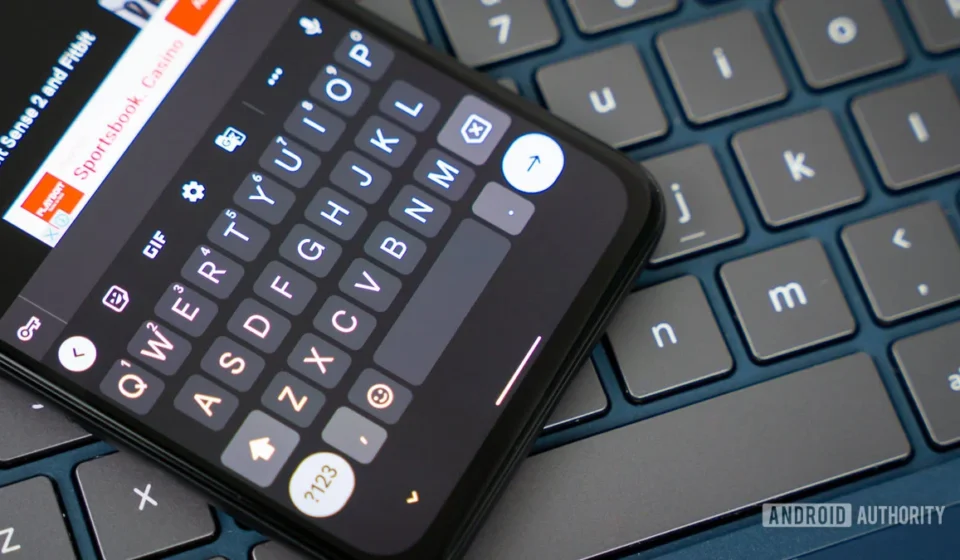
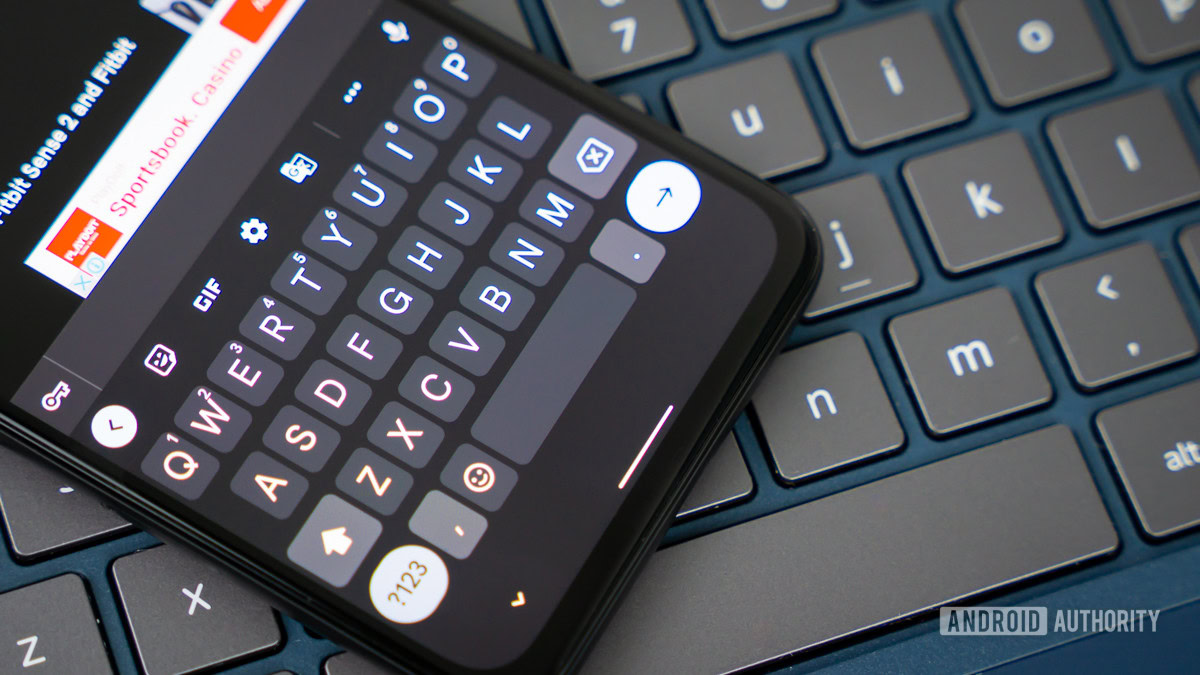
Alongside this groundbreaking accessibility feature, Google is also preparing a more universally applicable, albeit less dramatic, enhancement to Gboard’s core typing experience. This involves a new "Auto-space after suggestions" toggle within the keyboard’s Corrections & suggestions settings. While seemingly minor, this option addresses a common point of friction for a broad spectrum of Gboard users.
Currently, Gboard automatically inserts a space after a user taps on a word from the autocorrect suggestion strip. This behavior is generally helpful, streamlining the process of constructing sentences by automatically preparing for the next word. However, this convenience often turns into an annoyance when a user intends to immediately follow the selected word with punctuation (like a period, comma, or exclamation mark) or attach another character or symbol directly without a space. In such instances, users are forced to manually delete the unwanted space, adding a small but repetitive step that can disrupt typing flow and efficiency. These "micro-interactions" of correction, while individually negligible, accumulate over countless typing sessions to create a noticeable impact on user satisfaction.
The introduction of the "Auto-space after suggestions" toggle directly empowers users to customize this behavior. By switching it off, users gain precise control over when a space is inserted, allowing for a more fluid experience when typing acronyms, adding emojis, or formatting text that requires immediate concatenation. This level of granular control reflects a growing trend in software design, where developers recognize the diverse typing habits and preferences of their global user base. It acknowledges that what constitutes a "helpful default" for one user might be an impediment for another. This particular toggle was identified through an in-app tinkering process, revealing its functional presence within the Gboard application’s internal code, indicating that Google has already implemented the core logic for this customization.
The Mechanics of Discovery: APK Teardowns and Google’s Development Cycle
The discovery of both these potential features stems from an APK teardown, a common practice in tech journalism and enthusiast communities. An APK (Android Package Kit) is the package file format used by the Android operating system for distribution and installation of mobile apps. By "tearing down" or deconstructing these files, developers and journalists can examine the underlying code, assets, and resources that constitute an application. This often reveals work-in-progress features, experimental functionalities, or settings that have not yet been publicly announced or enabled.
The insights gained from APK teardowns provide an early glimpse into a company’s future plans and development trajectory. However, it is crucial to understand that features uncovered in this manner are speculative until officially confirmed or released. They represent work-in-progress code, which may undergo further changes, be integrated into beta programs, or, in some cases, be entirely shelved by the developer. Google, like many tech giants, operates on an iterative development cycle, frequently experimenting with new features internally and through limited A/B tests before a wider public rollout. This methodical approach ensures that new functionalities are robust, stable, and genuinely beneficial to the user base before being deployed on a large scale. The presence of the "Auto-space after suggestions" toggle, complete with a functional interface within the settings, suggests a relatively advanced stage of development, making its eventual public release highly probable.
The Evolution of Smart Keyboards: A Broader Context
The modern mobile keyboard has come a long way from the rudimentary T9 keypads of early feature phones. Today’s "smart keyboards" like Gboard are complex software applications, deeply integrated with artificial intelligence and machine learning to offer features like predictive text, autocorrection, gesture typing (Swype), multilingual support, and even built-in search capabilities. Gboard, with its deep integration into the Google ecosystem and its robust feature set, holds a dominant position in the Android keyboard market, rivaled by powerful competitors like Microsoft’s SwiftKey, Grammarly Keyboard, and native OEM keyboards.
The continuous evolution of these keyboards is driven by the fundamental role they play in mobile interaction. Typing remains one of the primary methods of input on smartphones, and even minor improvements in efficiency or user comfort can have a significant cumulative impact on overall user experience. Predictive text, for instance, dramatically reduces the number of keystrokes required, while autocorrect aims to rectify common errors on the fly. However, the balance between helpful automation and user control is delicate. An overly aggressive autocorrect or an unskippable automatic space can quickly shift from being an aid to a hindrance, leading to frustration and manual corrections.
Data on user preferences consistently highlights a strong demand for personalization and control over core application functionalities. Users appreciate tools that adapt to their unique usage patterns and allow them to tailor their digital environment. The "Auto-space after suggestions" toggle is a direct response to this need, offering a simple yet effective way to personalize a frequently encountered typing interaction. This commitment to user-centric design not only enhances individual productivity but also reinforces Google’s brand image as a provider of intuitive and adaptable software solutions.
Implications for Google and the User Ecosystem
These dual enhancements, particularly the sign language translation, carry significant implications for Google’s market position and its broader commitment to technological leadership. The potential sign-to-text feature could cement Gboard’s reputation as an industry leader in accessibility, pushing the boundaries of what a mobile keyboard can achieve. This aligns with Google’s corporate values and reinforces its image as a company that leverages cutting-edge AI for social good. Such innovations not only attract new users but also foster brand loyalty among existing ones, especially those who prioritize inclusive design.
For the vast majority of Gboard users, the "Auto-space after suggestions" toggle, while less flashy, contributes to a more polished and personalized user experience. It’s an example of how Google continuously refines its products through iterative improvements, addressing specific user pain points identified through feedback and internal testing. These "quality-of-life" features are crucial for maintaining user satisfaction and preventing attrition to competing keyboard applications. In a highly competitive mobile ecosystem, where user attention is a premium, even subtle enhancements in usability can make a significant difference in retaining and attracting users.
Looking ahead, these developments hint at the future trajectory of input methods, which are increasingly moving beyond simple text entry to encompass more diverse forms of communication. The integration of visual language processing (sign-to-text) and refined text input customization underscores a holistic approach to making digital communication more intuitive, inclusive, and efficient for everyone.
Challenges and Outlook
While the prospects for both features are exciting, their journey from internal development to widespread public release will involve several considerations. For the sign language translation, challenges include ensuring high accuracy across various sign languages and dialects, handling different lighting conditions and camera angles, and maintaining privacy standards. User education will also be key, as this feature represents a novel way of interacting with a keyboard.
For the auto-space toggle, the primary challenge lies in its rollout strategy and ensuring users are aware of the new customization option. While simple to implement, many users may not actively explore settings menus, potentially missing out on a feature designed to enhance their daily experience. Google typically uses in-app prompts or feature highlights during updates to introduce new functionalities, a strategy that will likely be employed here.
In conclusion, the emerging features within Gboard, discovered through diligent APK analysis, paint a clear picture of Google’s strategic priorities: pushing the boundaries of AI-driven accessibility while simultaneously perfecting the minutiae of everyday user interaction. The potential for AI-powered sign language translation represents a monumental step towards a more inclusive digital world, while the granular control over auto-spacing demonstrates Google’s ongoing commitment to user-centric design and personalized typing experiences. Both developments, in their own ways, underscore the dynamic evolution of mobile keyboards and Google’s persistent efforts to lead innovation in this critical area of digital communication. The tech community eagerly awaits official announcements and the eventual widespread availability of these promising enhancements.