





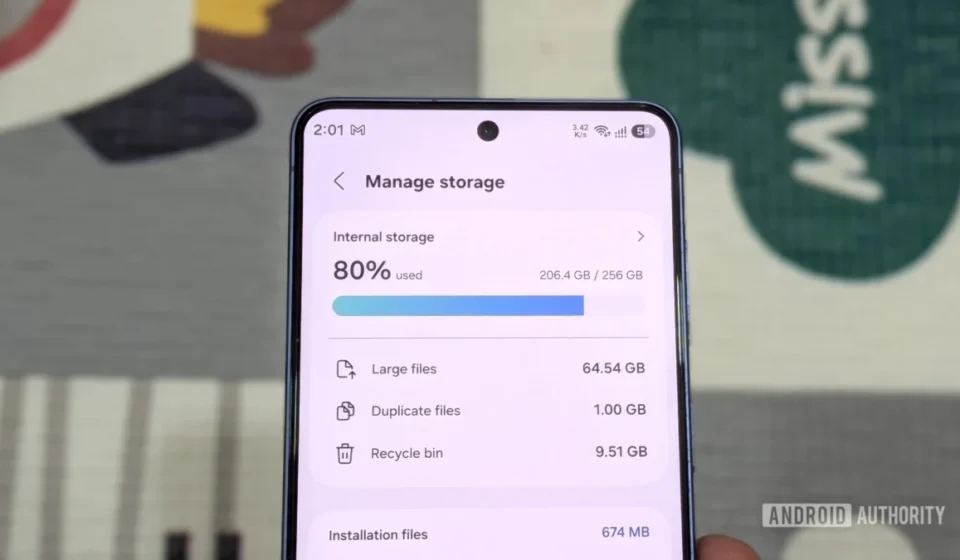
Strategic Storage Management: Reclaiming Significant Space on High-End Smartphones Like the Samsung Galaxy S26

The relentless march of digital content creation and consumption has brought smartphone storage management to the forefront of user concerns. As device cameras capture increasingly detailed photos and high-resolution videos, and applications grow in complexity and data footprint, the internal storage of even premium devices like the Samsung Galaxy S26, with its 256GB capacity and absence of an SD card slot, can quickly feel constrained. A recent comprehensive audit demonstrated that a substantial 36GB of storage could be successfully reclaimed on such a device, illustrating effective strategies that bypass the need to sacrifice invaluable personal media. This outcome was achieved through a systematic approach targeting forgotten applications, accumulated cache data, extensive offline downloads, and extraneous files, proving that digital decluttering is not only feasible but also less arduous than often perceived.
The Evolving Landscape of Smartphone Storage and User Challenges
The modern smartphone user faces a unique set of challenges regarding device storage, a stark contrast to the era when microSD card slots were a ubiquitous feature. Manufacturers, driven by design aesthetics, the pursuit of thinner devices, enhanced water and dust resistance, and the integration of faster Universal Flash Storage (UFS) technologies, have progressively phased out expandable storage options. This strategic shift has effectively steered consumers towards either purchasing higher-tier internal storage models, which often command a premium price, or relying heavily on cloud-based storage solutions. While cloud services offer undeniable convenience and off-device backup, they frequently entail recurring subscription costs and depend on reliable internet connectivity, which is not always available or preferable for sensitive data.
Concurrent with this hardware evolution, the sheer volume and quality of digital content have exploded. Contemporary smartphone cameras, such as the advanced optics found in the Galaxy S26, are capable of capturing stunning 8K video footage and professional-grade RAW images, with individual files easily consuming tens or even hundreds of megabytes. Social media platforms, messaging applications, and productivity suites have become more feature-rich, leading to larger installation sizes and more significant accumulation of temporary data. Mobile gaming, in particular, has seen titles rivaling console experiences in graphics and complexity, often requiring several gigabytes of space for initial installation and subsequent updates. The operating system itself, along with essential system files and pre-installed applications (often referred to as bloatware), also occupies a non-trivial portion of the internal storage, further narrowing the available capacity for user-generated content and personal applications. This confluence of factors makes proactive storage management not just a convenience, but a necessity for maintaining optimal device performance and user experience. Industry data suggests that the average smartphone user now generates over 10GB of new data per month, primarily from photos, videos, and app usage, making consistent storage management paramount.
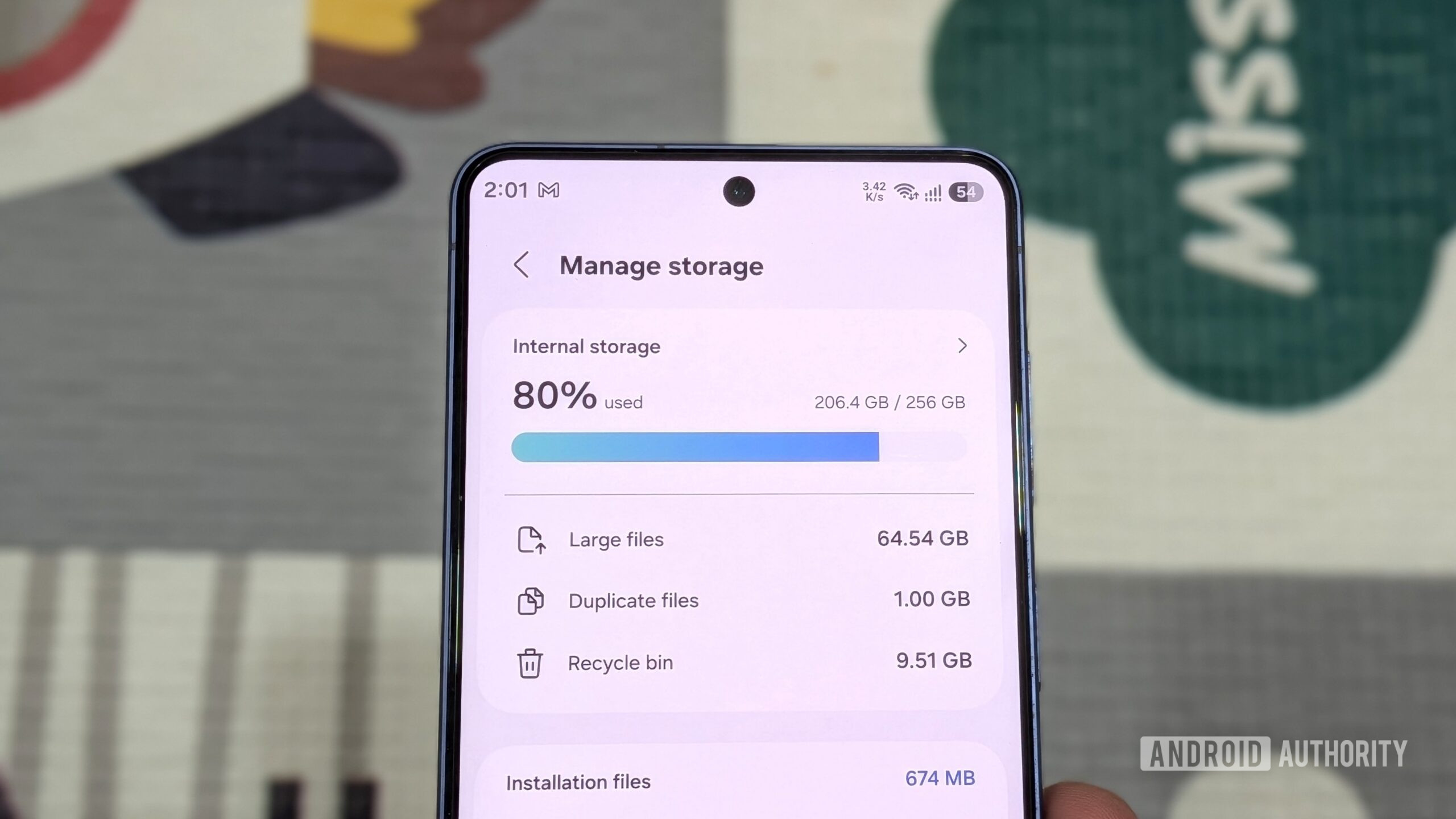
Systematic Digital Decluttering: A Multi-Pronged Approach
The successful reclamation of 36GB of storage was the result of a methodical five-step process, addressing various facets of digital accumulation. Each step, while seemingly minor in isolation, contributed significantly to the overall objective, demonstrating the power of a holistic approach to smartphone storage optimization.
1. Strategic Application Pruning and Archiving
One of the most immediate and impactful steps in freeing up storage involves scrutinizing installed applications. Many users accumulate a plethora of apps over time, some installed for a singular purpose, others forgotten after initial curiosity wanes. These "ghost apps" can collectively occupy several gigabytes. For instance, a typical video editing application can easily consume 500MB to 1GB, while graphically intensive games may demand 2-5GB or more. The initial purge involved identifying and uninstalling nearly a dozen such applications, including a seldom-used video editor, abandoned mobile games, and experimental web browsers. This straightforward exercise immediately yielded approximately 4GB of usable space. According to various tech surveys, the average smartphone has between 60-80 installed apps, with a significant portion remaining unused for extended periods.
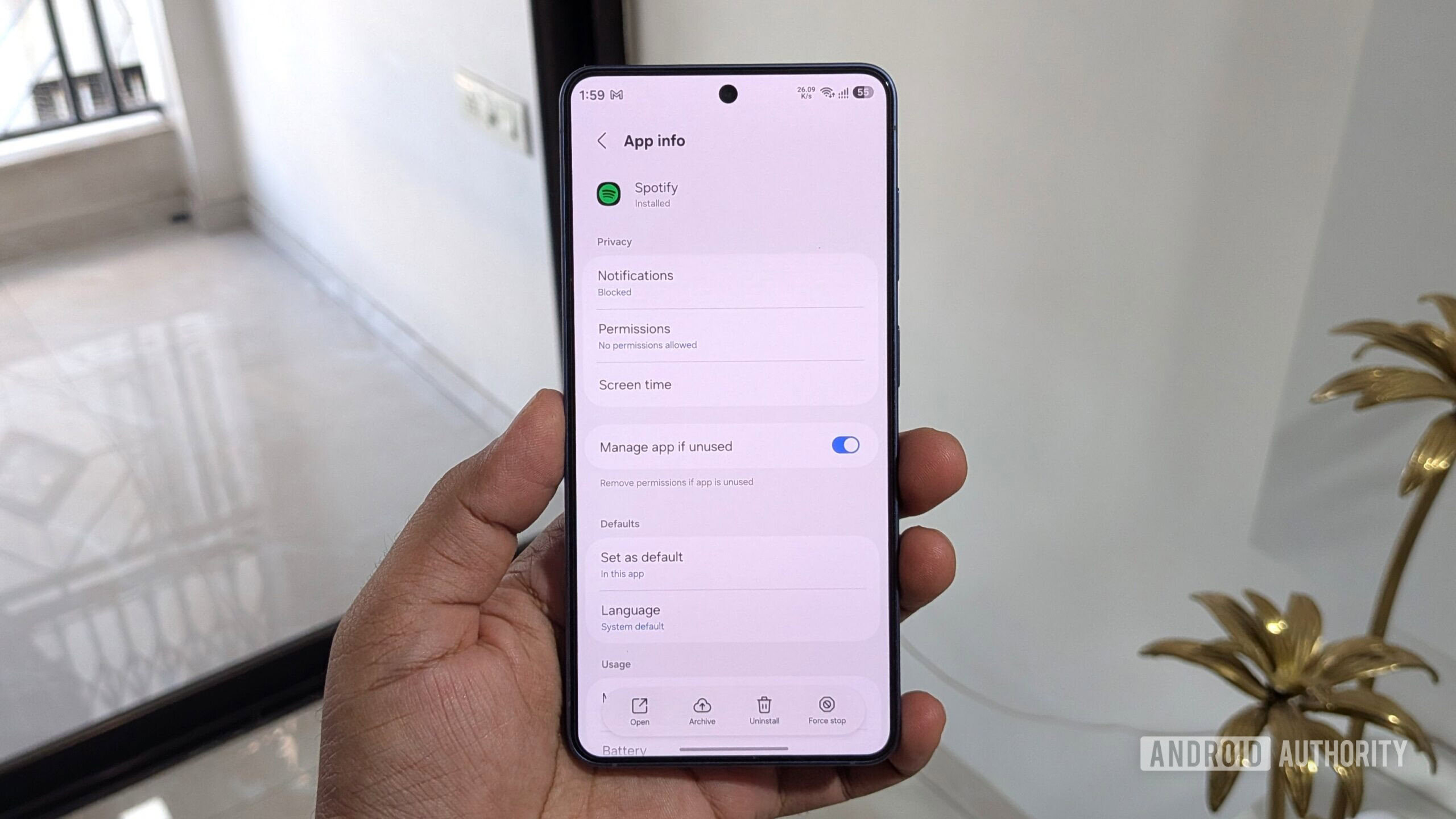
Beyond outright uninstallation, the Android ecosystem now offers a more nuanced solution: app archiving. This feature provides an effective middle ground for applications that are not frequently used but which the user wishes to retain without full deletion. Archiving an app removes most of its core executable files and temporary data from the device, while crucially preserving user data, settings, and permissions. When the archived app is needed again, a simple tap on its icon triggers a re-download of the necessary files from the Google Play Store, restoring the app to its previous state without the user needing to log in or reconfigure settings. This process typically reduces an app’s footprint by 60% to 90%. For example, a 500MB app might shrink to just 50-200MB. Users can manually archive apps via Settings > Apps > [App Name] > Archive. Furthermore, Android offers an automated archiving option, accessible through Play Store Settings > General > Automatically archive apps, which allows the system to intelligently archive unused applications when storage levels run critically low, providing a seamless background management solution. This intelligent feature significantly streamlines storage management, preventing users from having to make difficult choices about which apps to permanently remove. Google representatives have noted this feature as a key component in their ongoing efforts to enhance Android’s native storage management capabilities.
2. Aggressive Cache Clearing for Data Hogs
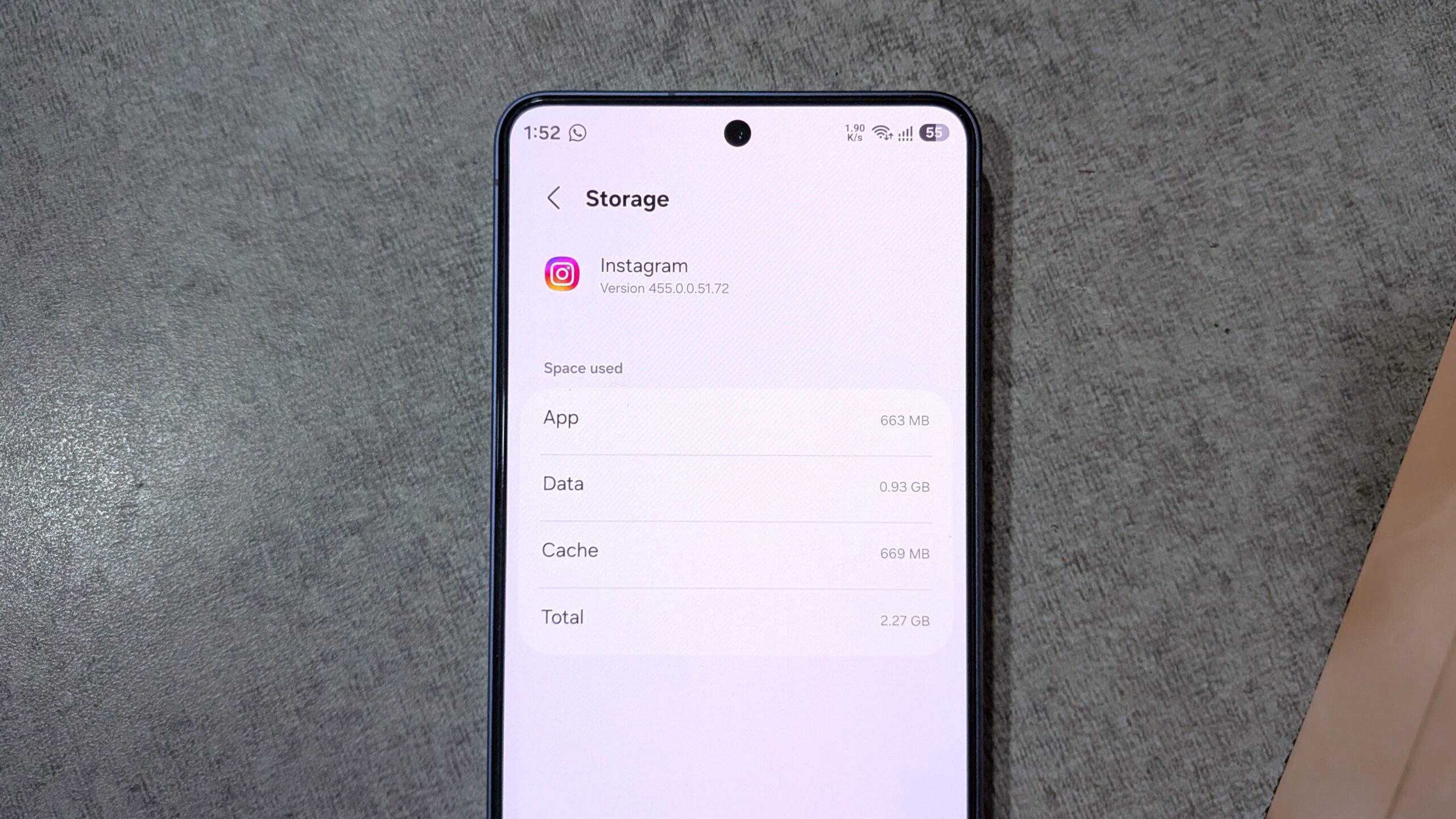
While apps themselves consume significant space, their accumulated cache data often presents an even larger, yet easily overlooked, storage burden. The cache serves a vital role in application performance, storing temporary files, images, and other data to accelerate load times and improve responsiveness. However, over extended periods of use, this cached data can swell to several gigabytes for frequently used applications. Social media platforms, web browsers, streaming services, and navigation apps are particularly notorious for accumulating vast amounts of cache. For instance, a heavily used Instagram account can accrue gigabytes of cached images and videos, while a web browser like Chrome might store cached web pages and resources exceeding 1GB.
Unfortunately, Android’s operating system no longer provides a unified, one-click option to clear the cache for all applications simultaneously, a feature some long-term users recall fondly. Therefore, a targeted approach is required. Users are advised to navigate to Settings > Apps and sort the list by storage consumption. This immediately highlights the primary culprits. For each identified "storage hog" (e.g., Chrome, Instagram, WhatsApp, Spotify, YouTube, Google Maps), users can tap on the app, proceed to Storage, and then select Clear cache. This action safely removes temporary data without affecting personal login information or user data. Through this meticulous process, targeting the top 10 most data-intensive applications, an additional 6GB of storage was successfully recovered, underscoring the substantial impact of routine cache maintenance. This method is particularly effective as cache data is entirely dispensable and can be rebuilt by the apps as needed.
3. Files by Google: The Ultimate Digital Janitor
Beyond applications and their caches, numerous other digital artifacts accumulate on a smartphone’s internal storage. These often include residual files from uninstalled apps, duplicate photos, blurry images, old screenshots, large video files, and forgotten downloads. Unlike app settings, the Android operating system’s native settings interface lacks a comprehensive tool for identifying and managing these diverse file types efficiently. This is where the Files by Google application becomes an indispensable utility. Released initially in 2017 as "Files Go," it has evolved into a robust file management and cleanup tool.
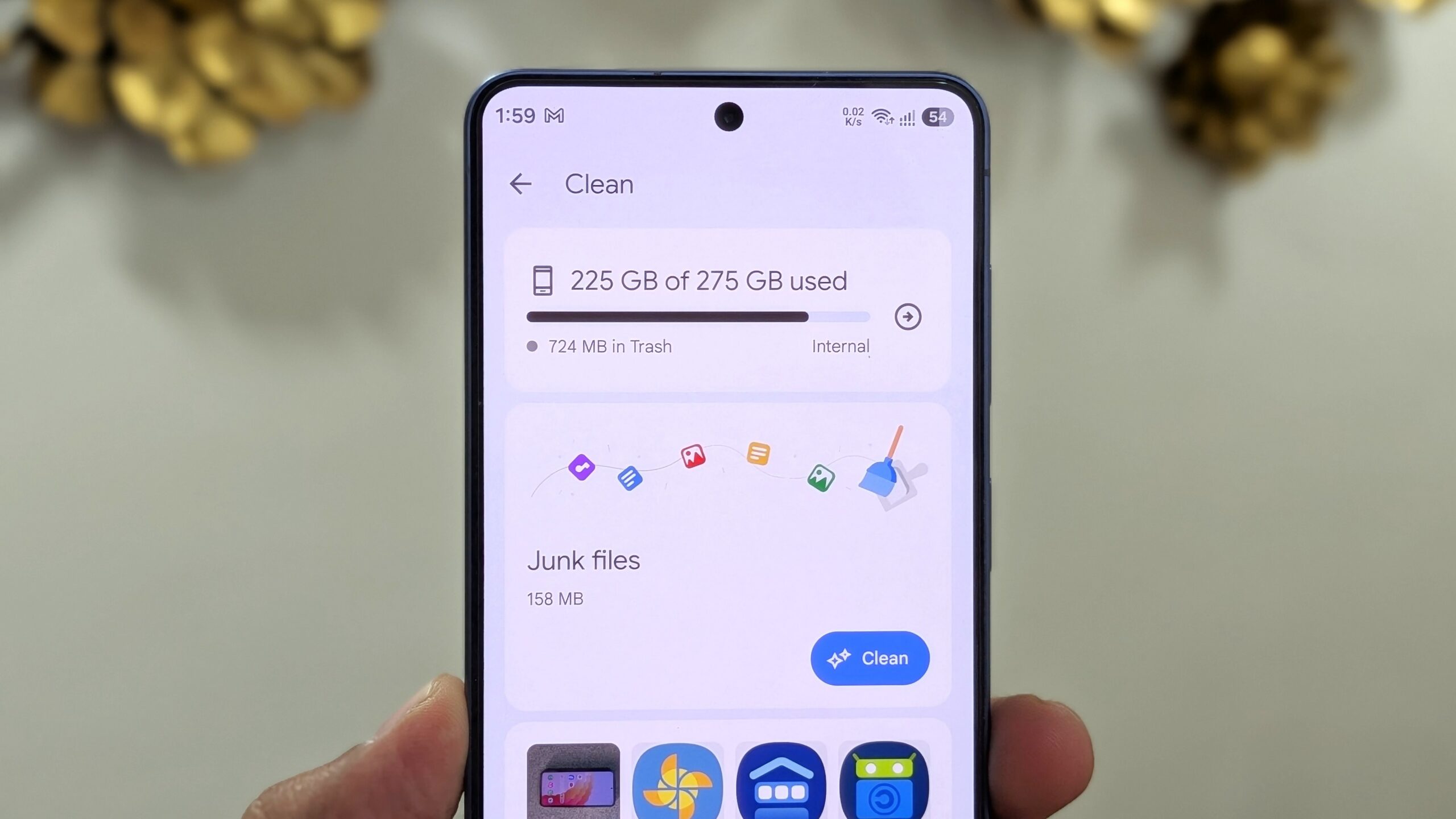
Files by Google features a dedicated "Clean" tab, designed to act as an intelligent digital janitor. It categorizes various types of junk and unnecessary files, presenting them in an intuitive interface. Categories typically include "Junk files," "Duplicate files," "Old screenshots," "Blurry photos," "Large files," and "Unused apps." The app employs smart algorithms to identify files that are genuinely redundant or of low quality. It provides visual thumbnails for most file types, allowing users to quickly assess content without needing to open each file individually. This bulk selection and deletion capability drastically streamlines the cleanup process. During the audit, this tool helped uncover and eliminate dozens of leftover APK files, miscellaneous screenshots, large video recordings that had been backed up, and several old ZIP archives, cumulatively freeing up approximately 4GB. A crucial point to remember is that files deleted through Files by Google initially move to a "Trash" folder, where they reside for 30 days before permanent removal. To immediately reclaim the space, users must explicitly navigate to the "Trash" tab within the app and select "Empty Trash."
4. Eradicating Hidden Offline Downloads
The convenience of offline content consumption, offered by numerous streaming and media applications, often comes at a significant storage cost. Users frequently download movies, TV shows, music playlists, and podcasts for travel or periods of limited internet access, only to forget about them once consumed. Applications such as Spotify, Netflix, YouTube, and Prime Video are prime examples of platforms that allow extensive offline downloads, which can quickly consume multiple gigabytes of storage. A single high-definition movie can easily be 2-4GB, while an extensive music playlist might accumulate hundreds of megabytes.
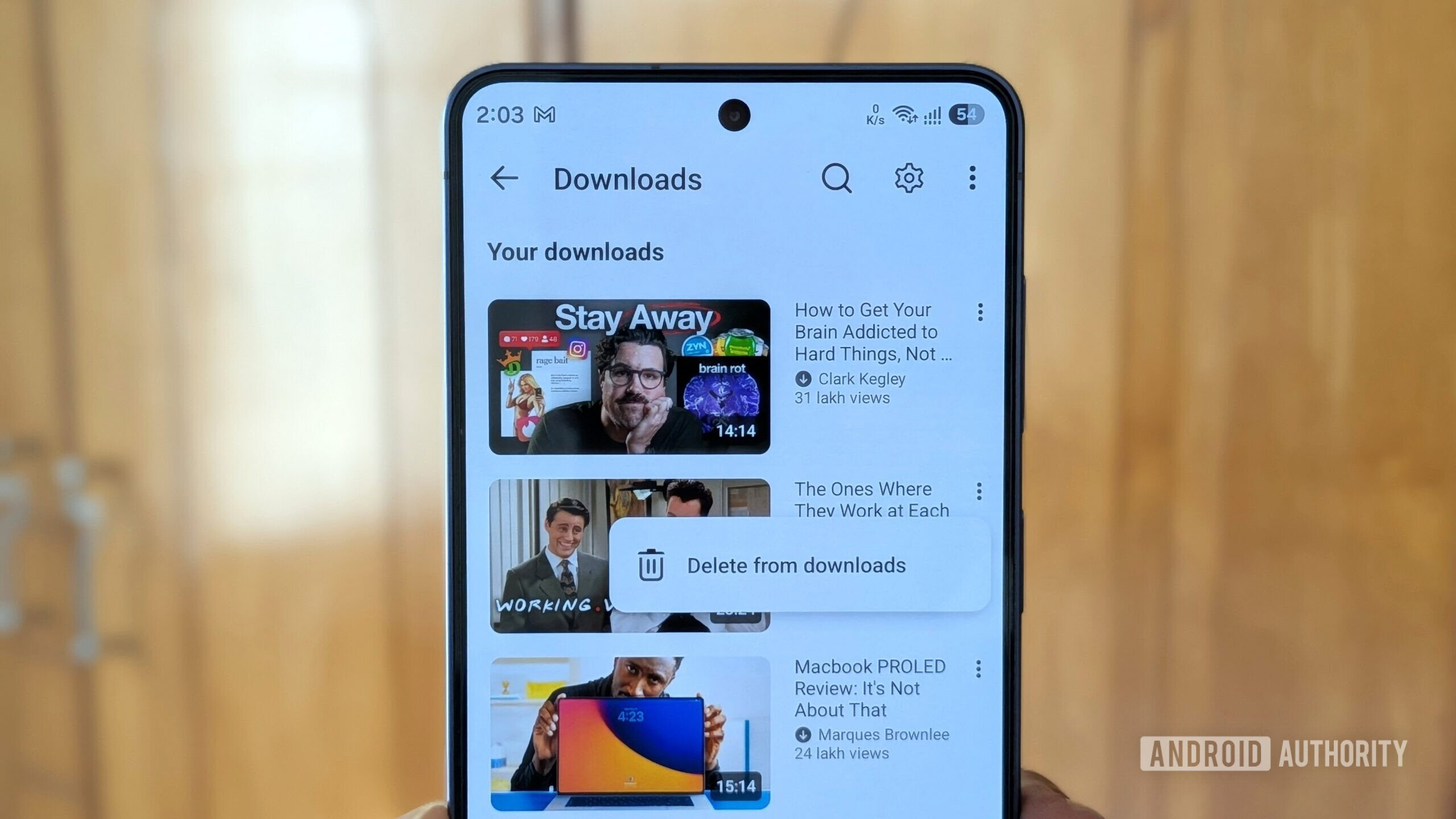
A thorough review of these streaming applications revealed a substantial repository of forgotten content. Systematically navigating through each app’s download or library section and deleting no-longer-needed playlists, TV series, movies, and individual videos proved highly effective. This effort alone recouped approximately 8GB of storage. This often-overlooked category represents a significant opportunity for quick and easy storage recovery. For instance, a user downloading a season of a TV show for a long flight might not realize that 10 episodes could easily consume 10-20GB. While the focus was on media streaming, it is also pertinent for users of navigation apps like Google Maps to check for and remove any downloaded offline map data for entire cities or regions, which can similarly occupy substantial space.
5. Leveraging External Storage Solutions
Despite the absence of integrated microSD card slots in many flagship smartphones, including the Galaxy S26, external storage remains a viable and valuable option for long-term file archiving and mass data offloading. The universal USB-C port found on modern Android devices enables direct connectivity to a variety of external storage media. Users can connect standard USB-C flash drives, portable Solid State Drives (SSDs), or even traditional SD cards via a compatible USB-C card reader. This allows for the physical transfer of large, less frequently accessed files from the phone’s internal memory to an external drive, offering significantly faster transfer speeds than traditional USB 2.0 connections.
During the storage audit, a collection of large 4K video clips and older high-resolution photographs, which were deemed important but not requiring immediate on-device access, were transferred to an external SSD using the phone’s native Files application. This action alone liberated an impressive 12GB of internal storage. While not as seamlessly integrated as an internal SD card slot, external storage offers a robust solution for preserving valuable data without compromising the phone’s operational space. It serves as an excellent alternative for users who prioritize local control over their data or wish to avoid continuous cloud subscription fees, providing a tangible benefit in scenarios where deleting files is not an option. The cost-per-gigabyte for external SSDs or large USB-C flash drives is often considerably lower than the premium charged for higher internal storage tiers by smartphone manufacturers.
Broader Implications and The Future of Smartphone Storage
The success of reclaiming 36GB without deleting a single cherished photo or video highlights several critical implications for smartphone users and manufacturers alike. For the average consumer, these strategies offer a practical roadmap to extend the functional lifespan of their devices, improving performance by alleviating storage pressure and preventing the slowdowns associated with critically low storage. This proactive digital hygiene can also delay the perceived need for a device upgrade solely due to storage limitations, offering economic and potentially environmental benefits by reducing electronic waste.
From an industry perspective, the ongoing trend of removing expandable storage options places a greater onus on manufacturers to optimize operating system footprints, improve default storage management tools, and integrate more efficient app management features like automatic archiving. While the allure of cloud services is strong, the demand for robust local storage management remains undiminished, especially in regions with inconsistent internet access or for users with privacy concerns. Tech analysts often point to the lucrative revenue streams generated by offering incremental internal storage upgrades, which typically come at a significantly higher per-gigabyte cost than external solutions. However, the demonstrated efficacy of manual and semi-automated cleanup routines indicates that users, armed with the right knowledge and tools, can effectively counteract these limitations.
As smartphone cameras continue to evolve, pushing resolutions and file sizes ever higher, and as immersive applications become more prevalent, the challenge of storage management will only intensify. This makes the adoption of regular digital decluttering practices not just a recommendation, but an essential component of responsible smartphone ownership in the current technological landscape. The ability to systematically free up significant space ensures that users can continue to capture, create, and consume content without constant anxiety over impending storage alerts, maintaining a fluid and enjoyable digital experience.
In conclusion, the journey to reclaim 36GB of storage on a device like the Samsung Galaxy S26 serves as a compelling testament to the effectiveness of strategic digital management. By addressing often-overlooked categories of data accumulation—from dormant apps and bloated caches to forgotten offline downloads and extraneous files—users can significantly enhance their device’s capacity and performance. These methods, largely intuitive and built into the Android ecosystem, empower users to take control of their digital footprint, ensuring their high-end smartphones remain capable companions for all their data-intensive pursuits. The lessons learned underscore that while internal storage may be finite, the strategies for managing it are continually evolving, offering ample opportunities for optimization.